
Service Profile Details
Purpose

Please note:
The “Service Profile” Details dialog is only available if you have purchased a TE service profile license option.
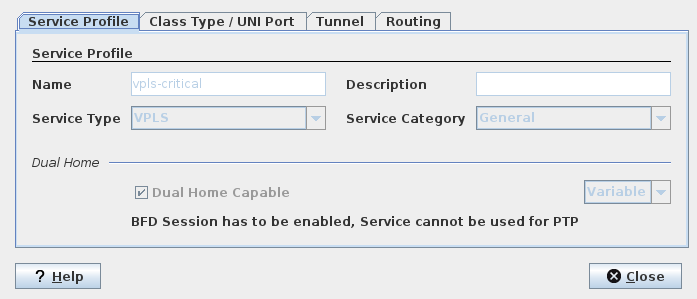
Displays the details of the selected Service Profile. The details are shown in four different tabs, “Service Profile”, “Class Type / UNI Port”, “Tunnel”, and “Routing”.
Dialog image
Service Profile [name]
Mandatory entries
Not applicable.
Optional entries
Not applicable.
For more information on the parameters refer to “Create Service Profile”.
Related dialogs / windows