
States of device icon related to user actions
Different styling of this icon indicates the state a device can be in (Figure Aggregated states of NE icon). There are 4 main states related to the user actions:
• Default – device in the network visible on a map. It indicates the absence of alarms;
• Inactive – device in the network that is not part of a service selected by the user on a map or in the entity browser;
• Non-manageable – NMS lost connection to this device and all data about this device may be obsolete;
• Disabled – the user cannot perform any actions on a disabled device;
All listed states can be in “selected” form if a user selects the device on the map or in the entity browser. A selected device does not equal a selected service.
Selected | Default | Inactive | Non-manageable | Disabled |
|---|---|---|---|---|
No | 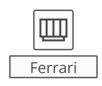 |  |  | |
Yes | 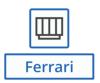 | 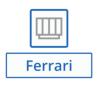 | 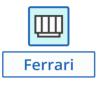 | 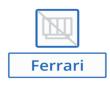 |
Aggregated states of NE icon
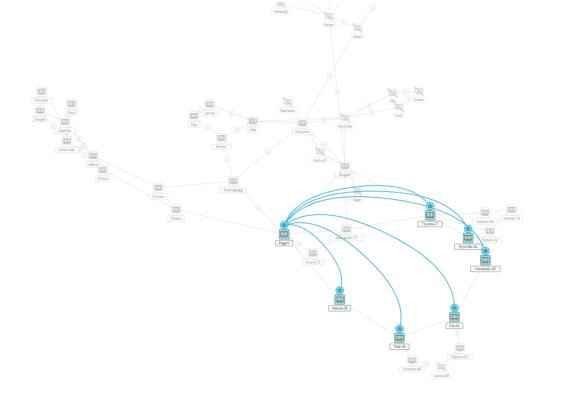
Service selected - example of all described states of device icon