
Element Management
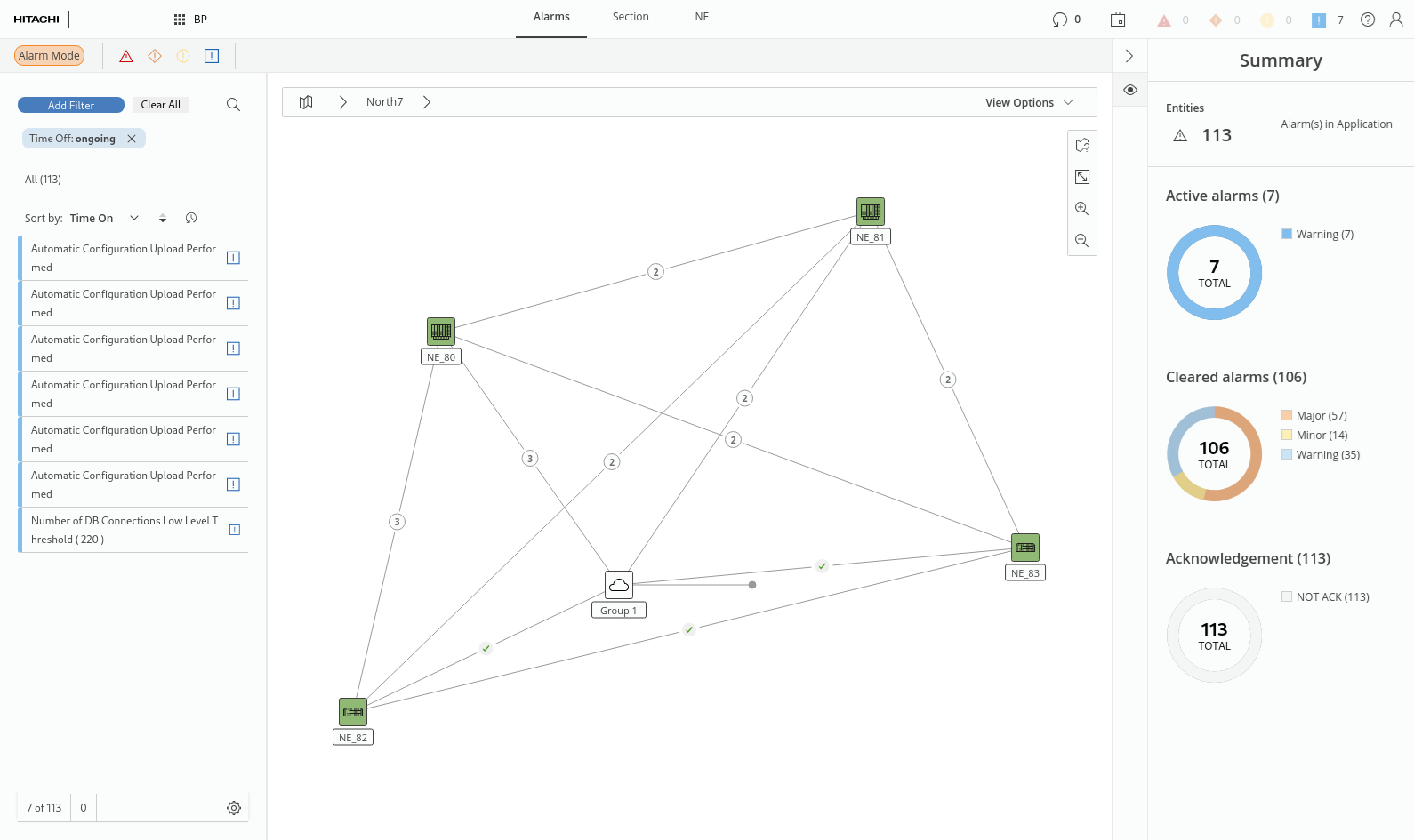
The Element Management application provides a map or table view with all relevant information on physical aspects of the network via the tabs
• NE,
• Section.
The Element Management is mainly related to Basic Package features and allows a user to view information on alarms, sections, and NEs with the respective summary in the right panel. The related details can be viewed by selecting an item on the map or from the entity browser (left panel).
The physical map also provides context menu options to
• enable or disable, and pause or resume supervision of sections,
• display details on NEs and sections,
• open an NE in FOXCST,
• force poll an NE,
• display the list of active alarms for a selected NE.
NE
When selecting an NE, apart from the summary, the following details are provided:
• Configuration (General, MPLS, DCN, Synchronization),
• Health Monitors,
• Issues,
• Related (Summary, using, Used By...).
Section
When selecting a single section, apart from the summary, the following details are provided:
• Configuration,
• Utilization,
• Section MCC,
• Supervision,
• Statistics,
• Health Monitors,
• Issues,
• Related (used by...).