
Path Protection
Purpose
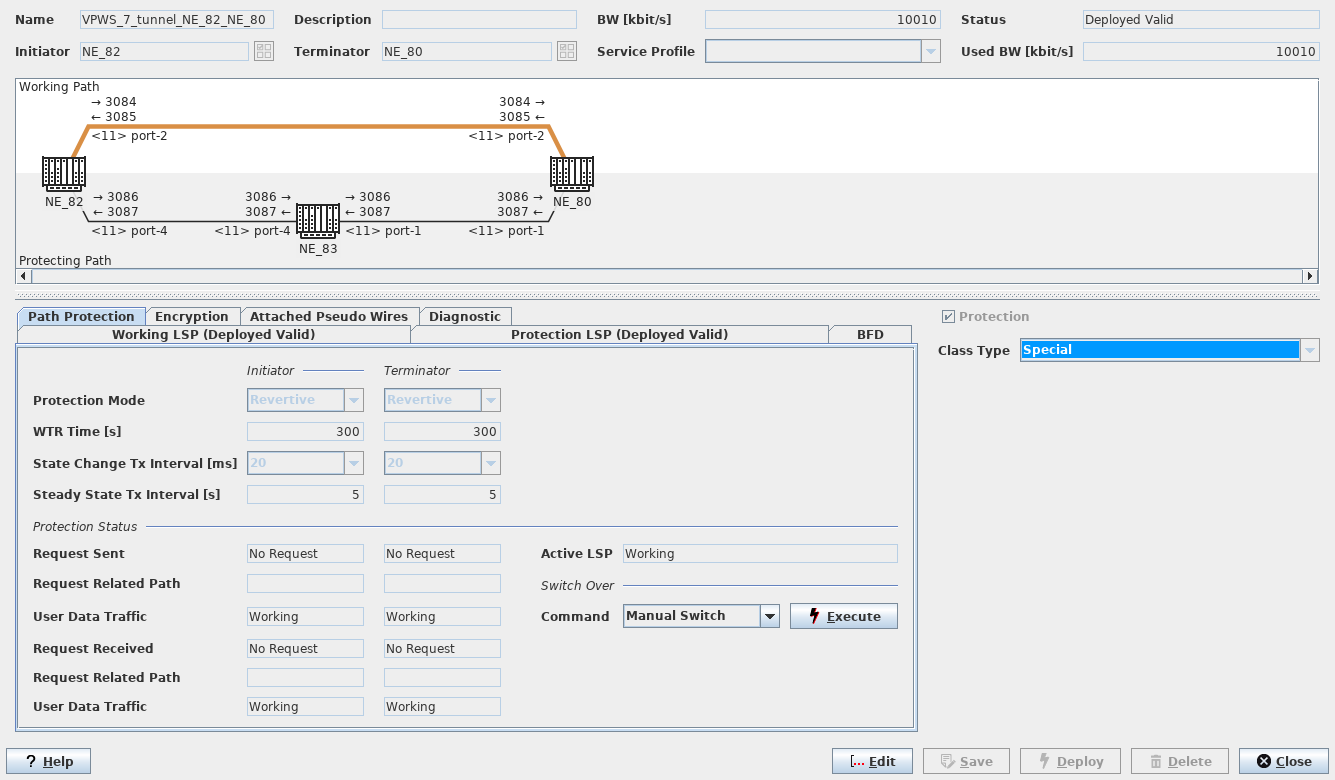
Displays path protection configuration and status information and provides protection switching command options.
The switch-over commands are only applicable to deployed valid LSPs.
Upon opening the “Path Protection” tab, the status is read from the network, and the currently active path is colored in gold.
Dialog image
Tunnel – Path Protection
Mandatory entries
Not applicable.
Optional entries
Switch-over command parameters are optional (defaults can be used if appropriate).
Informational content
For more information on path protection command options refer to Path Protection in the “Create Tunnel” section.