
Symbols
Standard Symbols
The set of symbols is part of the FOXMAN-UN standard installation. Further customized symbols can be created by the user and imported. The symbols to be imported have to be created in the PNG format. A new map style provides additional, new symbol graphics in addition to the legacy graphics of earlier FOXMAN-UN versions.
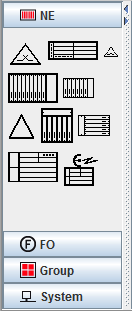
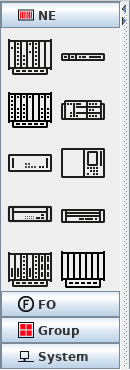
Standard legacy and new NE Symbols
Once placed on a map, each symbol is shown in one of several colors representing its alarm state. The alarm colors of all types of symbols are propagated to their group symbol if it exists. If for instance all group symbols on the main map are shown in green, this means that no element contained in that map structure has active alarms.
For more information on the display of alarm information refer to Fault Management.