
Circuit Emulation Service Removal
Any created CES can be removed. Proceed as follows:
• Navigate to the Circuit Emulation Services tab:

• Select the service to be removed in the list/table. Optionally many services can be removed at once. To select several services, use the “Shift” or “Ctrl” key.
• Use the action menu with the three dots symbol - or the context menu - and trigger the Delete action:
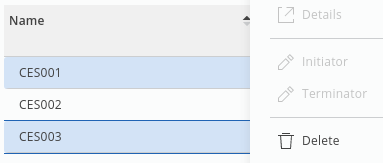
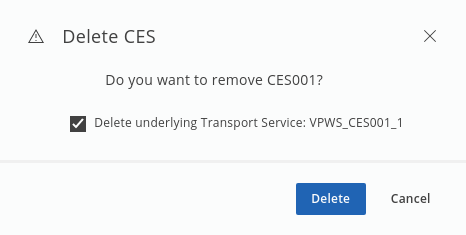
• Delete CES dialog should appear:
Single delete dialog:
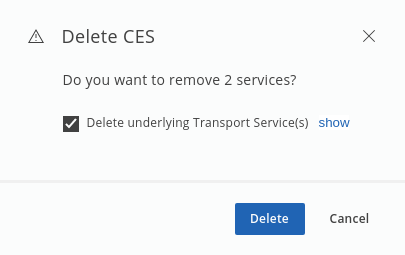
Multiple delete dialog:
Multiple delete dialog with show Transport Service(s) option:
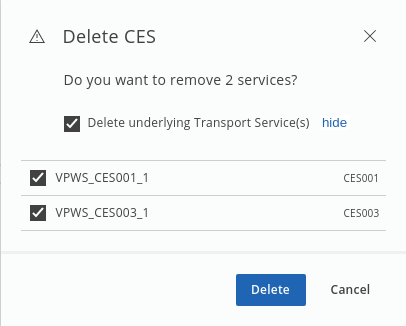
The “Delete CES” dialogs allow the user to decide whether transport service(s) of selected services should be also removed from the network. By default, transport service(s) will be removed.
• After confirming the dialog with “Delete”, the CE service(s) and selected associated transport service(s) will be removed.
• Expected result:
A success message should be visible in the right bottom corner of the application view.
After some processing time the removed services should no more be visible in the CES table.