
NE Tab
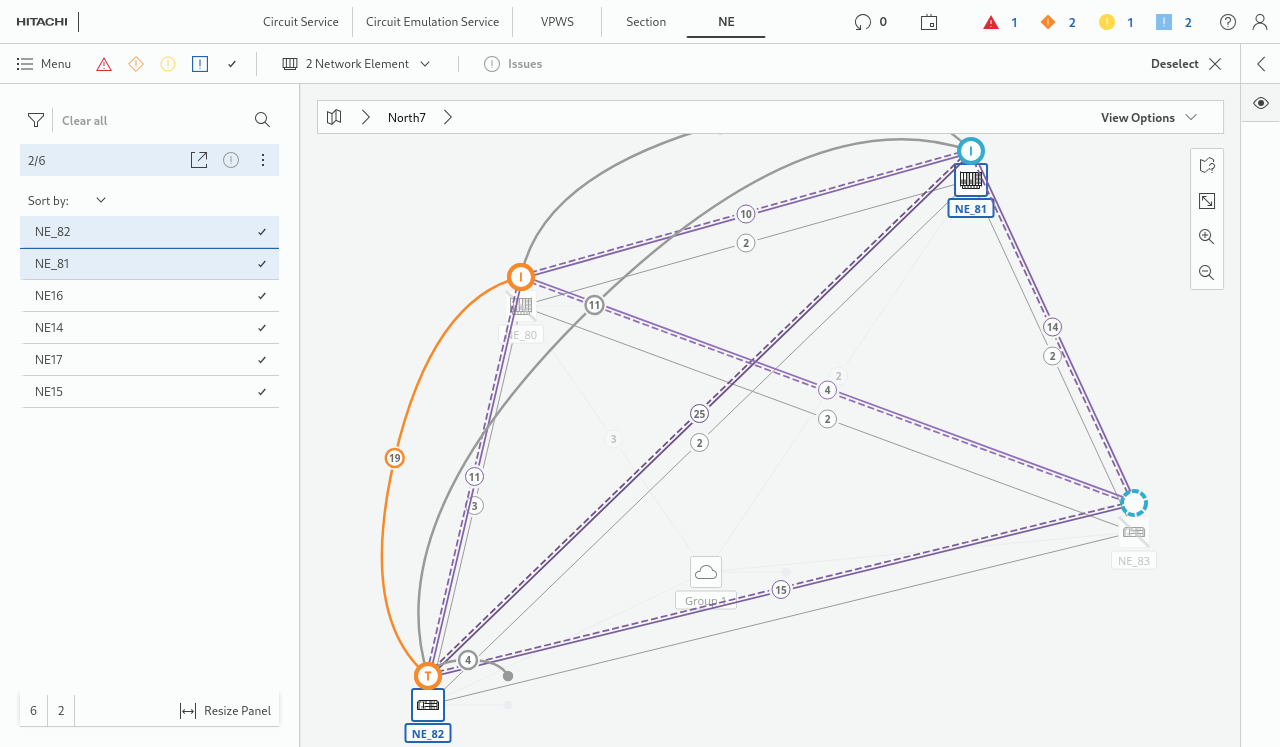
All NEs in the selected network are visible in this view. As a default, a filter can be set to view NEs only that belong to the CEM domain. In the network view, e.g., the “Show Transport” option can be selected:
In the list view (via “Resize Panel”) Circuit Emulation capable NEs are shown by default:
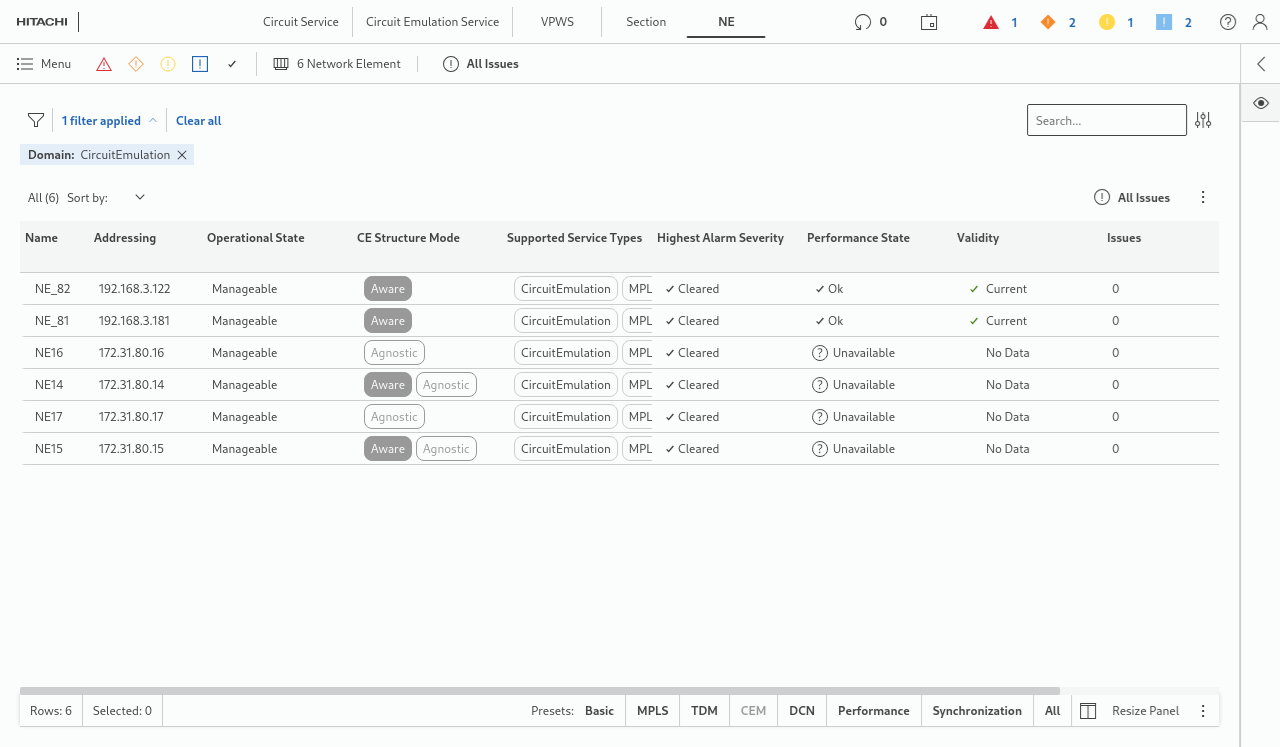
The list can be filtered, and the columns shown can be selected via the icon in the lower right corner.
Basic information is present alongside to service specific data - preferably with the “CEM” filter selected, such as:
• Structure modes that are available on a given NE; at least one CE unit working in that mode must be present (“CE Structure Mode” column):
− Aware,
− Agnostic.
• Support for services types (“Supported Service Types” column), such as:
− CircuitEmulation,
− MPLS-TP,
− TDM,
− Teleprotection.