
Details View
In order to open details of a selected CES, use the “Details” option from the action menu; the action menu is opened from the three dots in the ribbon:
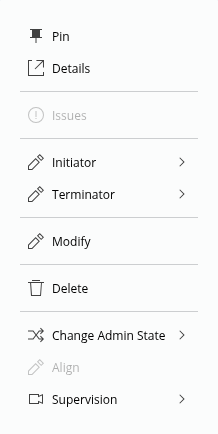
The CES Details view is presented as follows:
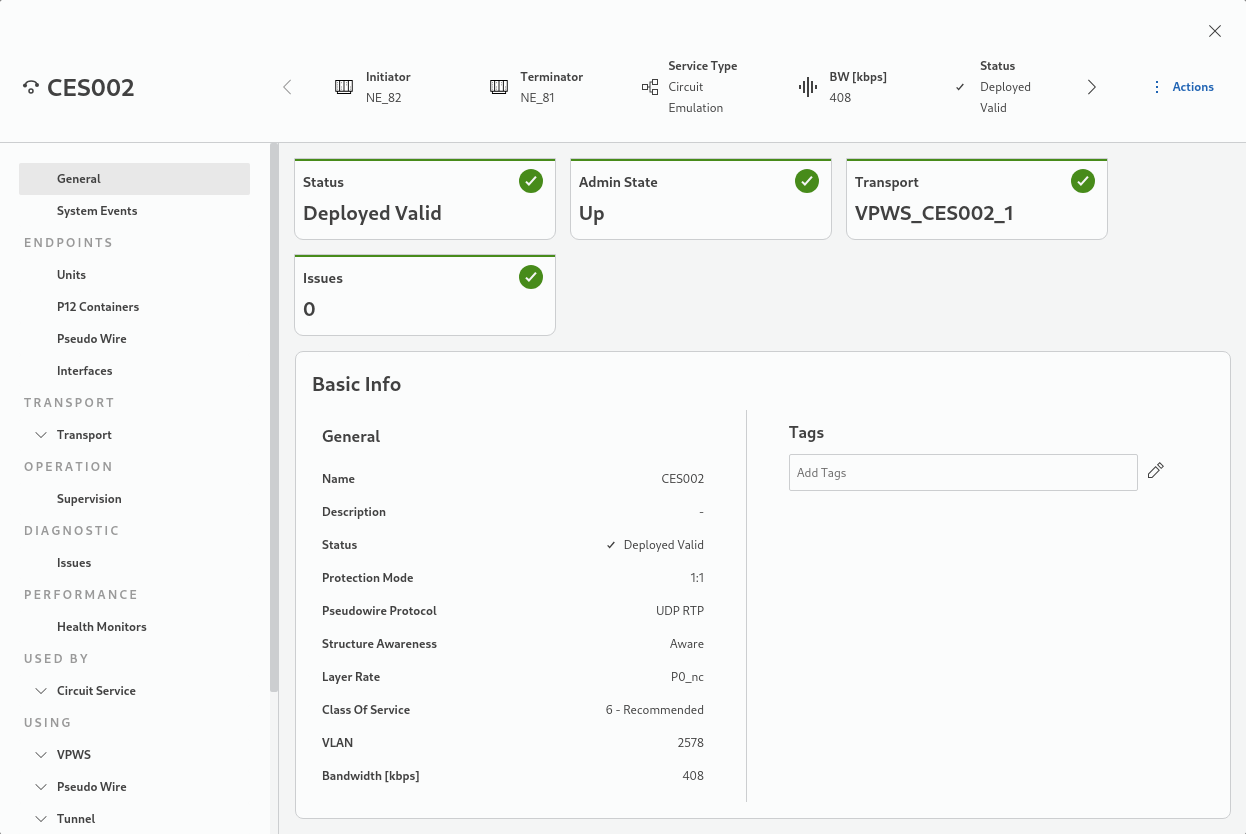
It provides the following hierarchical structure of Categories:
• General,
− Basic Info (default view when opening the dialog)
• Endpoints,
− Units,
− P12 Containers,
− Pseudowires,
− Interfaces,
• Transport,
− Basic Info,
− Endpoints,
• Operation
− Supervision
• Diagnostic,
− Issues,
• Performance
− Health Monitors
• Used By
− Circuit Service
• Using
− a list of items the selected service is using, such as VPWS, Pseudo Wire, Tunnel, Service Profile, Class Type, Section, Network Element.
which are available in left pane navigation. A category can have sub-categories which are all co-located in one auto-expanding and collapsing view. In order to go to a particular sub-category section select it in the left pane navigation, or scroll up or down in the right pane.
Back in the list of CE services, from the context menu, you can also change the administrative state (Admin State) of a service to “up” or “down”.