
Visualizing related entities
Related Entities can be visualized using the related entities view in the details panel. By using visibility checkbox, the user can visualize single related entity. Additional quick view options are available in the ribbon – to control visibility of whole related entities group.
Available view option (view modes):
• Entity View – to visualize selected entities.
• Service View – to visualize related services for a non-service entities.
• Connections View – to visualize related connections for selected entities.
• Transport View – to visualize related transport elements for selected entities.
• Physical View – to highlight physical elements related to selected entities.
Turning on visibility of related entities puts multiple layers of the information at the same time on the map.
Available quick view options and their meaning is described in the annex.
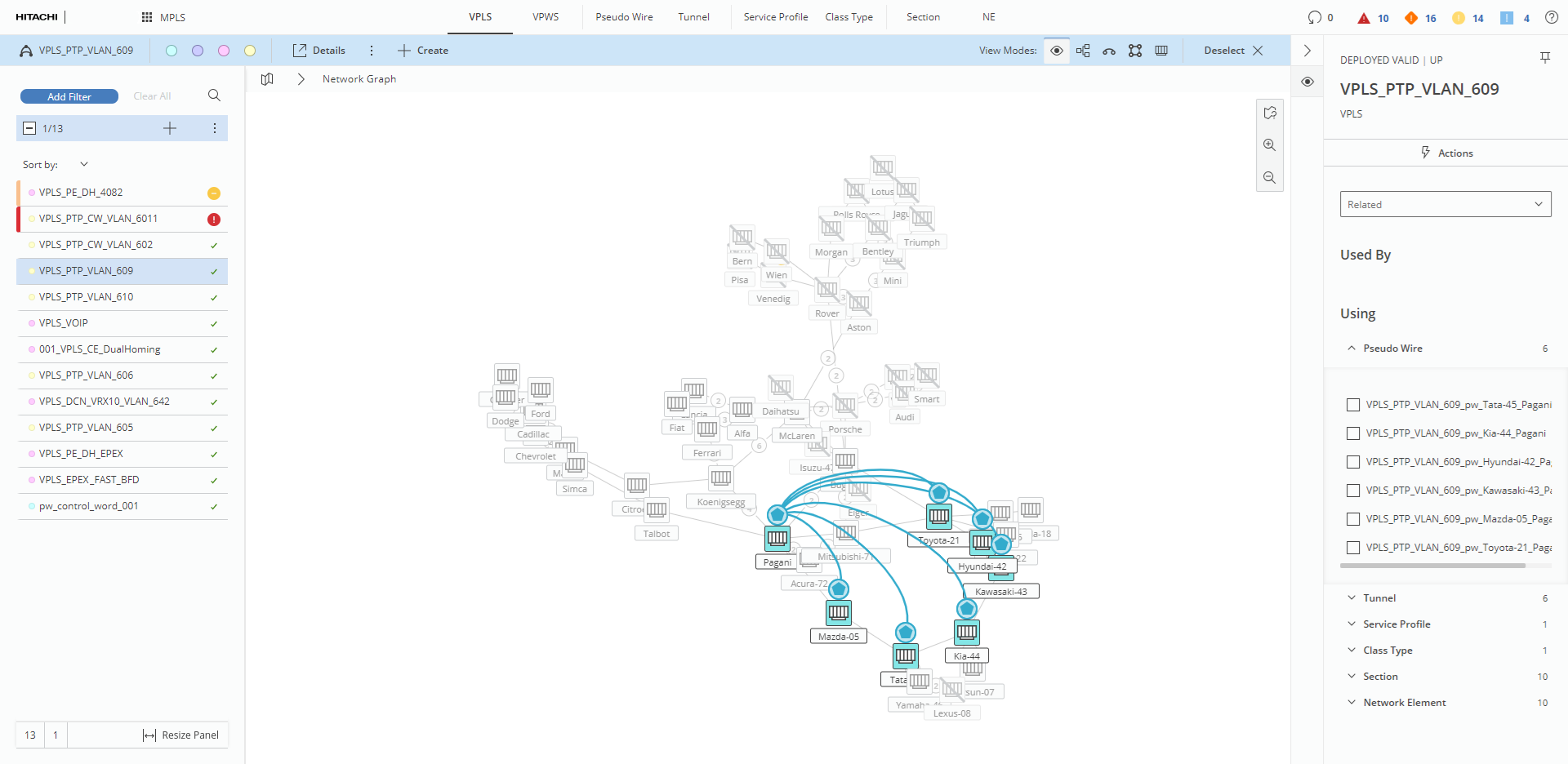
View with related entities visible in the details panel
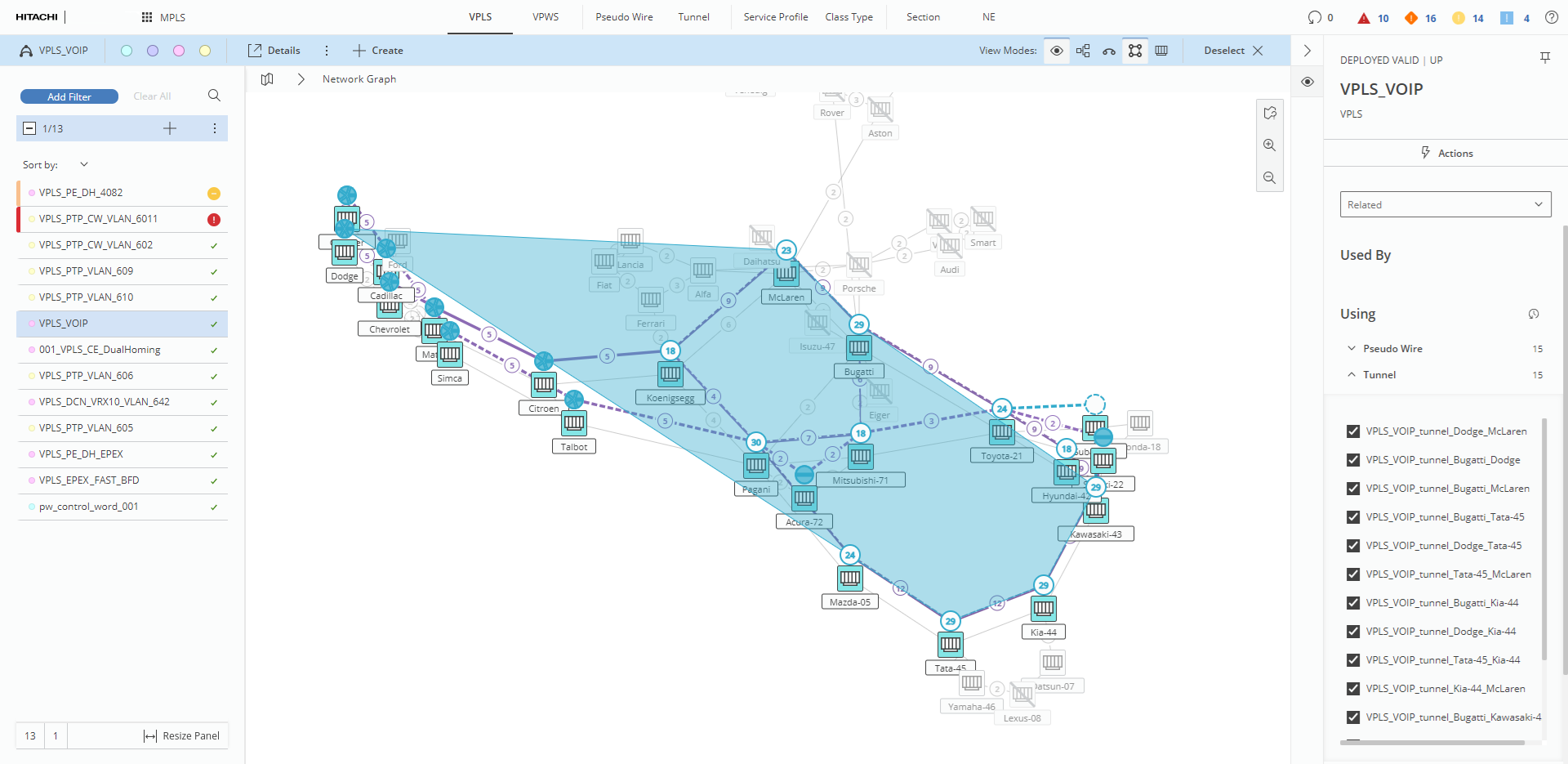
View of selected service with enabled transport view
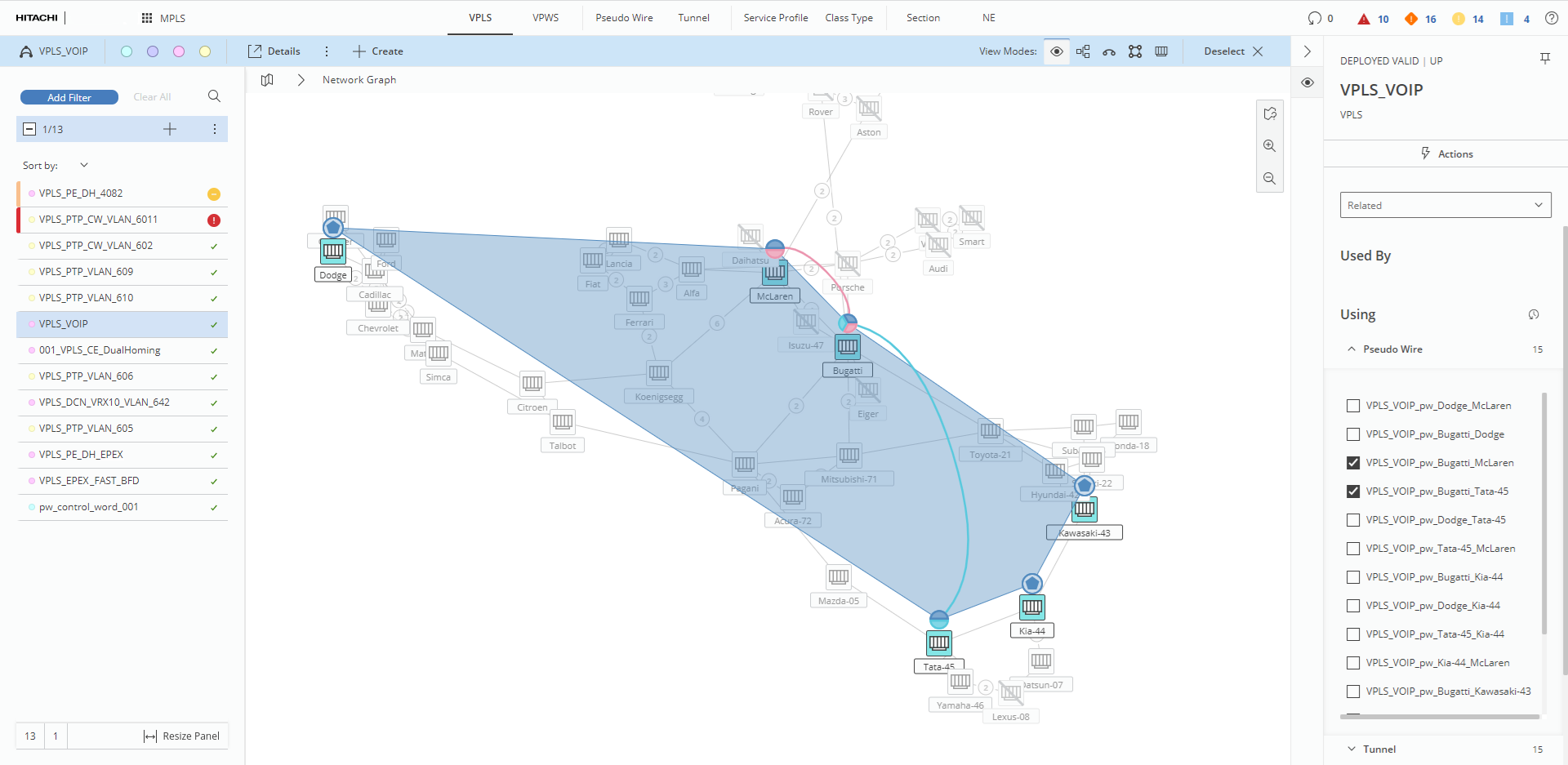
View of selected service with visibility of two connections enabled