
General Visualization Language
There are some high-level concepts regarding visualizing elements that are common for all views and applications. Common concepts include network element’s symbol structure. Network element symbol consists (from top to bottom):
• Circular service icon indicating NE role, which appears when the entity is selected.
• Box with network element’s symbol and optionally alarm icon and background indicating issue with the network element.
• Name box.
Selected network element is indicated by blue border around every element of its symbol.
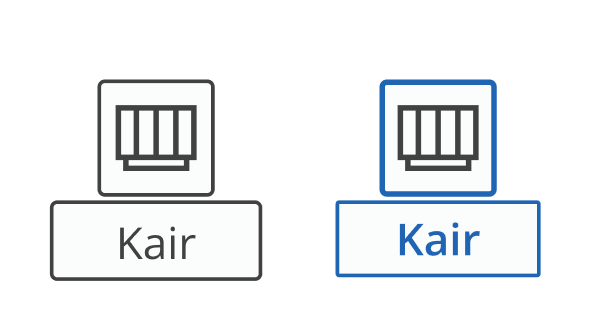
Network element in default and selected state
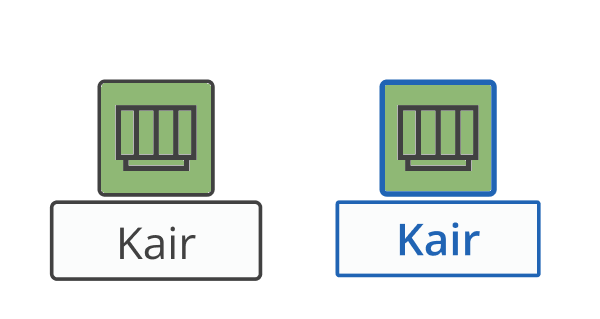
Network element with active health monitoring in default and selected state
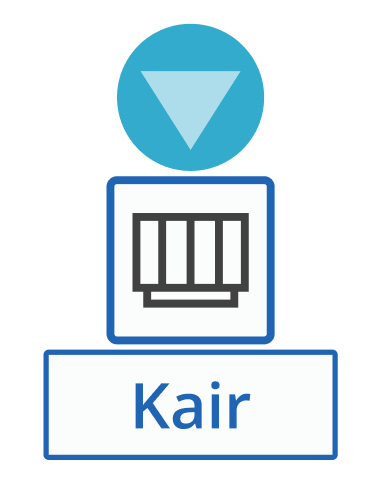
Network element when used in selected service
Other common concept include the way of visualizing primary and secondary connections between entities (or working/protecting LSPs):
• Dashed lines or arches indicate secondary or protecting connections
• Full lines or arches indicate primary or working connections.
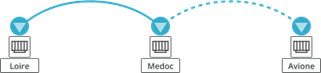
Visualization of primary and secondary connections