
Using global filters
The general global filters allow the user to quickly filter the content of the entity browser. The component works as a set of toggles that can be switched off and on. By default, when nothing is selected, all toggles are turned on, therefore no filters are applied.
To apply filter, the user needs to click in the button representing wanted filter. Application of filter is represented by introducing indicator and different colored background. To turn off the filter, the user needs to click the button once again, highlight then disappears.
Users can also reset all filters to default state by clicking reset button.

Placement of Class Type and View Options filters in UI (marked red)
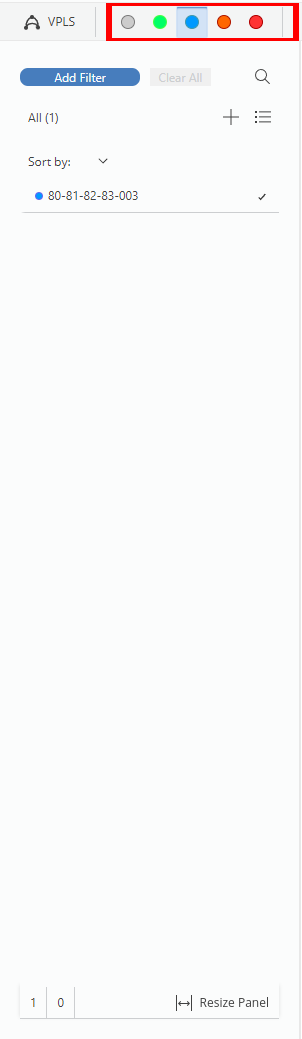
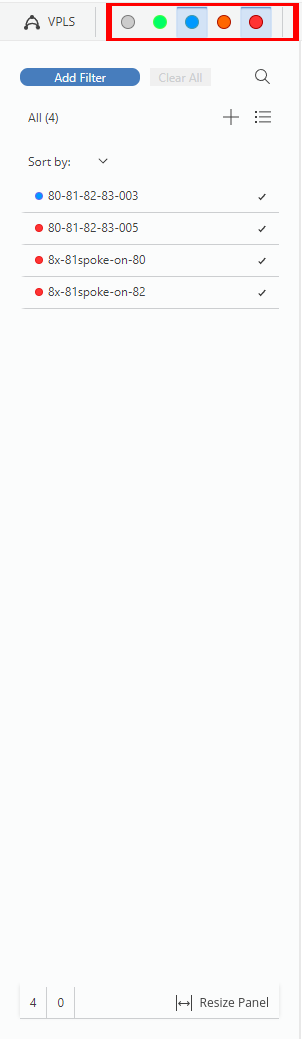
Left: One filter relative bandwidth applied - spotlight view; Right: Two filters applied - spotlight view

Please note:
By default, no filters are applied (Figure Placement of Class Type and View Options filters in UI (marked red)), appliance of filter is indicated by blue background (Figure Left: One filter relative bandwidth applied - spotlight view; Right: Two filters applied - spotlight view left), the user can apply multiple filters (Figure Left: One filter relative bandwidth applied - spotlight view; Right: Two filters applied - spotlight view right). In this example, the Classtype Filter is presented.
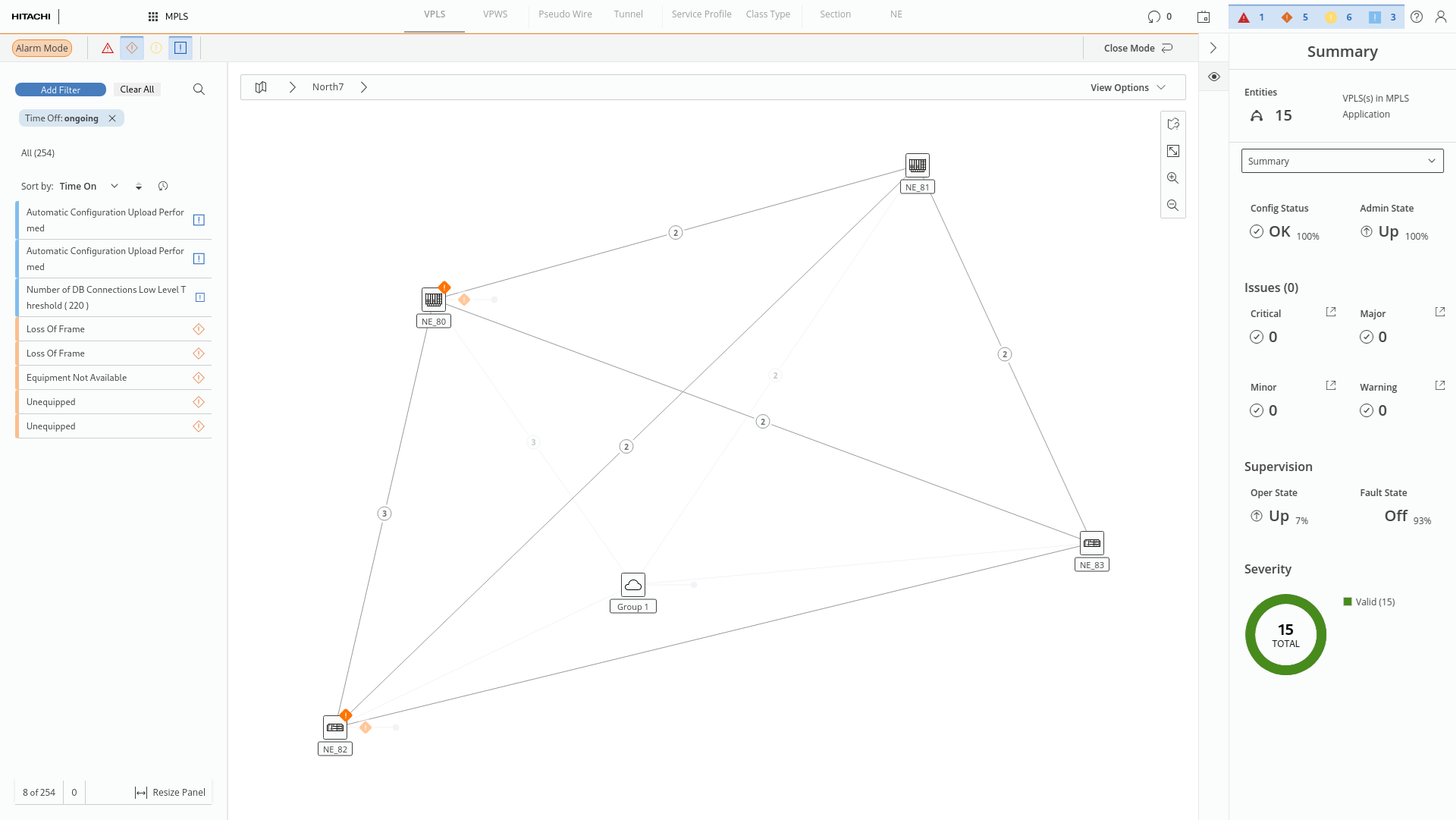
Alarm filters in alarm mode (marked red)