
User Preferences
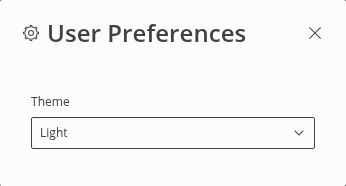
In the user preferences you can select the theme of the Web UI. Select from the themes
• Light,
• Dark,
• Default.
The default theme will take over the theme applied in the current user settings of the OS. All Web UI windows will be changed to the selected theme.
Click on the close ( ) icon in the upper right corner of the User Preferences modal to close the user preferences dialog.
) icon in the upper right corner of the User Preferences modal to close the user preferences dialog.