Verify VPWS Details
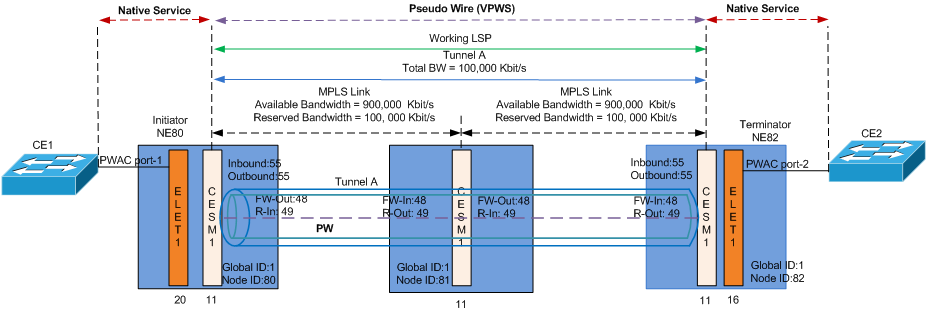
1 Verify the status and details of the VPWS in the “VPWS” tab.
ENP > VPWS Tab > Select the VPWS, e.g. “VPWS_NE80_NE82” > Select “Details Service” context menu
Please refer to VPWS Details.
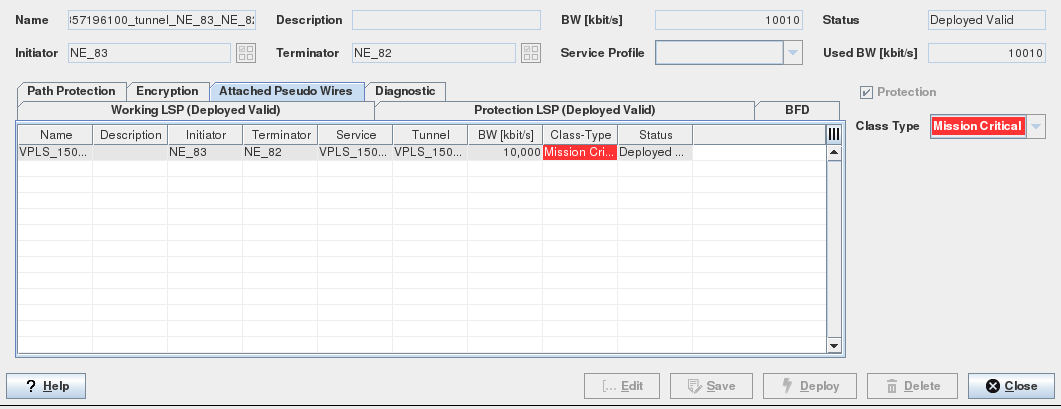
2 Verify that the PW is bound to the required tunnel.
ENP > Tunnel Tab > Select and right click the Tunnel, i.e. “TunnelA” > Details Tunnel/Modify Tunnel> Attached Pseudo Wires