Activation of Main/Standby functionality and definition of Server Type
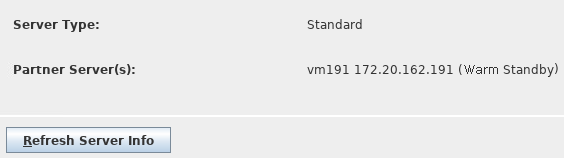
The Main/Standby functionality of the server to which the RAT is connected can be enabled via the corresponding check box on the dialog. As soon as the check box is ticked, the user can select a server type and pair a partner server. If the check box stays unticked, both <Server Type> combo box and <Pair…> button are disabled and the server automatically is set to type “Standard”, what becomes visible on the RAT’s Main Window.
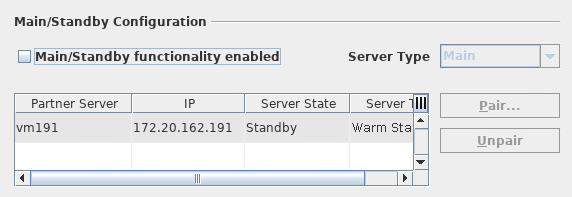
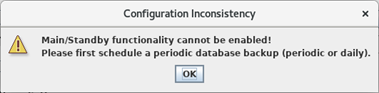
The <Main/Standby functionality> check box can only be ticked if at least a periodic database backup every n minutes, and/or a daily backup has been scheduled in the <Schedule Periodic Database Backup> dialog. If not, a configuration inconsistency message will be shown.