Upload Backup
The <Restore Database Backup> dialog offers to upload a database backup to a server. Thereto the user must carry out the following steps:
1 Selection of a backup source server.

Please note:
Only the server to which the Remote Admin Tool is connected can be selected for this operation.
2 Selection of a backup location on the source server
Following above steps, the user selects a specific location on the source server to which the database backup file will be uploaded.
Clicking on the <Upload Backup> button on the <Restore Database Backup> dialog will show an <Open> dialog.
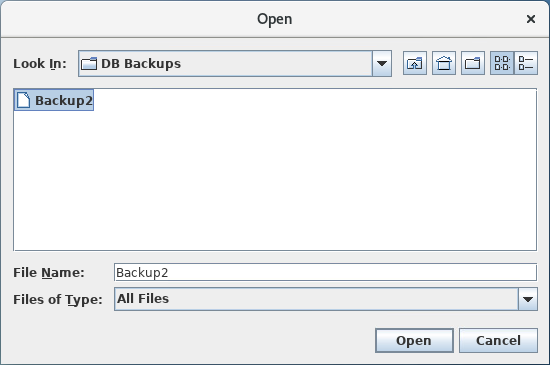
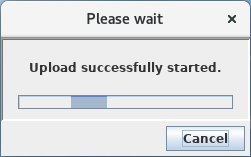
Selecting an appropriate database backup file on the client machine and clicking on the <Open> button will start the upload operation.
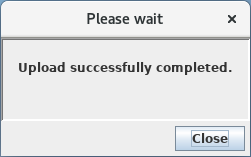
A successful upload will be confirmed upon completion.