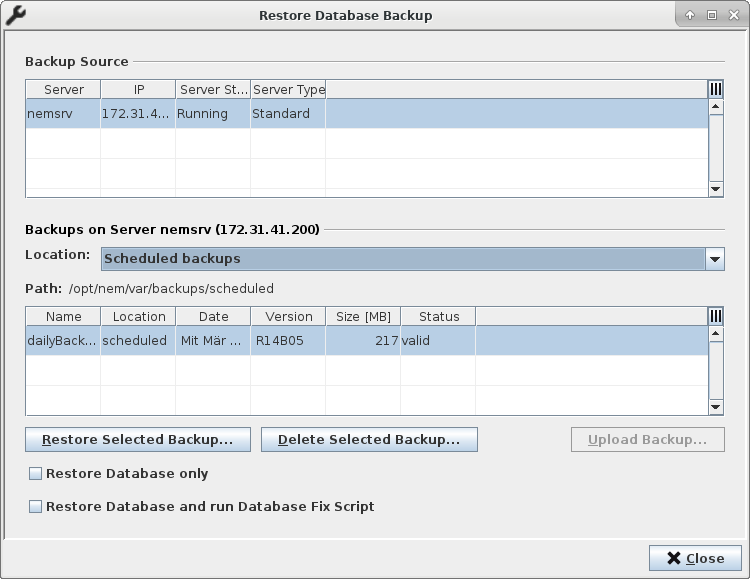
Restore Database Backup Dialog
Clicking on the <Restore Database Backup…> button on the Main Window of the RAT will open its <Restore Database Backup> dialog. The dialog supports the following operations:
• display of servers which can be chosen as a backup source;
• display of available database backups in a specific location on the server which has been chosen as a backup source;
• restoration of a selected database backup on the server which has been chosen as a backup source;
• deletion of an existing database backup on the server which has been chosen as a backup source;
• upload of an existing database backup from the client machine to the server to which the RAT is connected.