User Manuals
:
FOXMAN-UN - Main/Standby Solution - User Manual
:
Configuration
:
Remote Admin Tool
:
Restore Database Backup Dialog
:
Delete Selected Backup
Delete Selected Backup
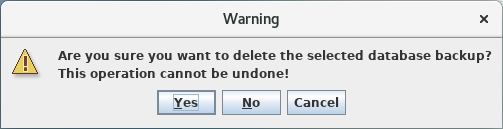
A selected database backup can also be deleted. Clicking on the <Delete Selected Backup> button on the <Restore Database Backup> dialog will delete the backup after clicking on the <Yes> button on the shown warning message.
This site works best with JavaScript enabled