Restore Selected Backup
The <Restore Database Backup> dialog offers the restoration of a database backup on a server. Thereto the user must carry out the following steps:
1 Selection whether they want to restore the database only.
2 Selection whether they want to run the database fix script.
3 Selection of a backup source server.
4 Selection of a backup location on the source server.
5 Selection of a database backup in the backup location.
With step 1 the user decides whether they want to restore the database only. This option will only restore the NEM Database, the PM Database, the ALS Database, the alarm.txt and the events.txt file. Additional files will not be restored. This option corresponds to the command “edbrestore -n” executed in a terminal window on the server where the database shall be restored.
With step 2 the user decides whether they want to replace the Host Names and IP addresses of existing Element Agents in the selected backup through the ones of the FOXMAN-UN where the database restoration takes place (please refer to chapter IP Address Translation for FOXMAN-UN Element Agents). Restoration makes sense and thus running of the database fix script is highly recommended in case you import a database of a partner server (e.g. database of Main Server on Standby Server or vice versa).
Following steps 3 to 5, the user selects a database backup file that resides in a specific location on the source server and will be restored to the database of the source server.
Clicking on the <Restore Selected Backup> button on the <Restore Backup Database> dialog will display a warning that the currently used database will be deleted.
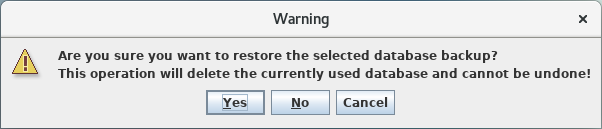
Confirming the message by clicking on the <Yes> button will start the restoration operation.
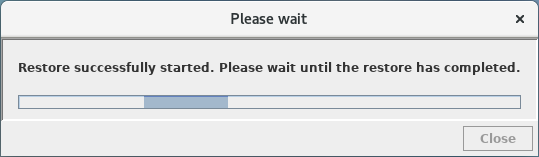
A successful restoration will be confirmed upon completion.


Please note:
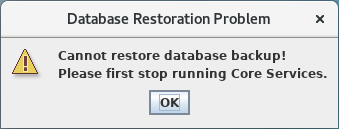
Restoration of a backup is only possible if the core services of the server where the backup shall be restored are stopped. If this is not the case the RAT will display a dialog informing the user that there is problem restoring the backup due to running core services.