Deletion of Key Pairs
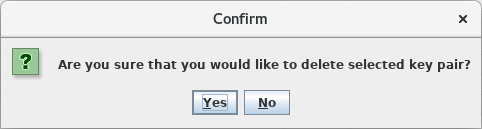
A key pair can be deleted by selecting it in the list of key pairs and then clicking on the <Delete> button on the dialog. A <Confirmation> dialog will be shown where the user must confirm deletion by clicking on the <Yes> button.
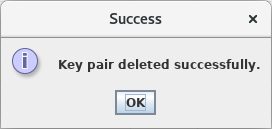
Upon clicking on the <Yes> button the key pair will be deleted and removed from the list of key pairs.