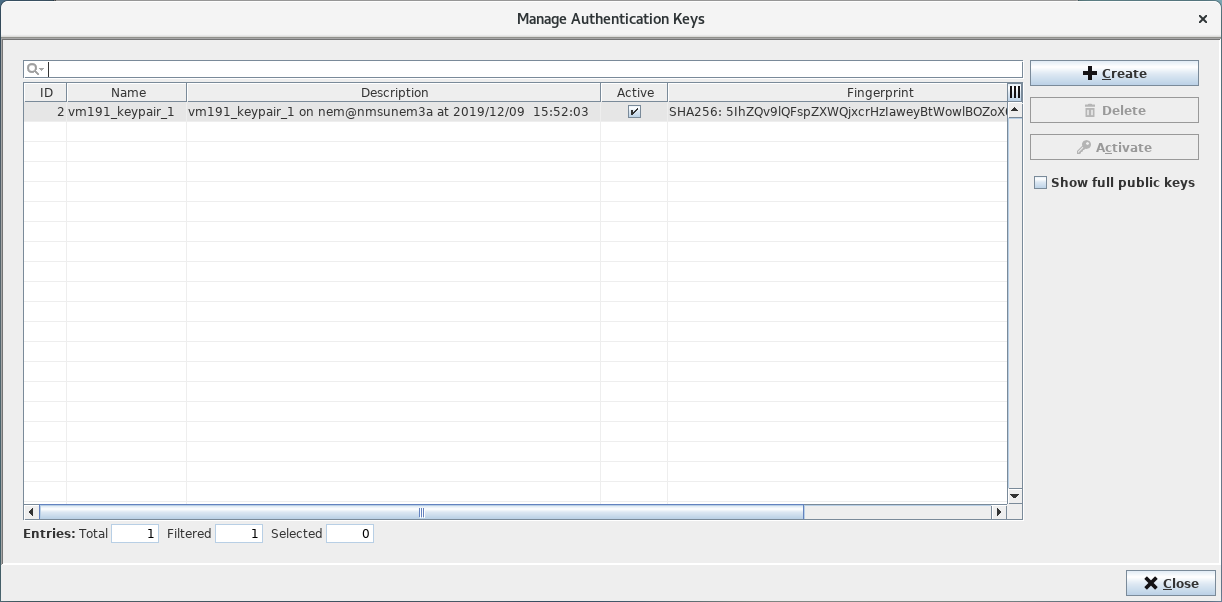
Manage Authentication Keys Dialog
Clicking on the <Manage Authentication Keys> button on the Main Window of the RAT will open its <Manage Authentication Keys> dialog. The button is only enabled if the server to which the RAT is connected is in state “Running”, which means all its base and core services are running. The dialog serves creation of public/private key pairs which are needed to establish SSH communication between FOX61x nodes and the FOXMAN-UN. The private key of a key pair always stays on the FOXMAN-UN server whereas for each node the corresponding public key can be uploaded via the FOXCST.