
Data Export
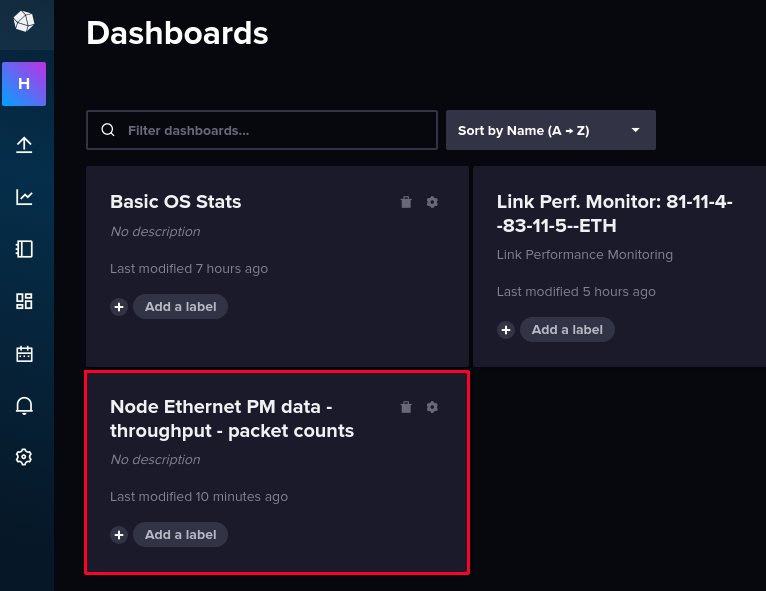
To export data in CSV format, go to the dashboard of your choice:
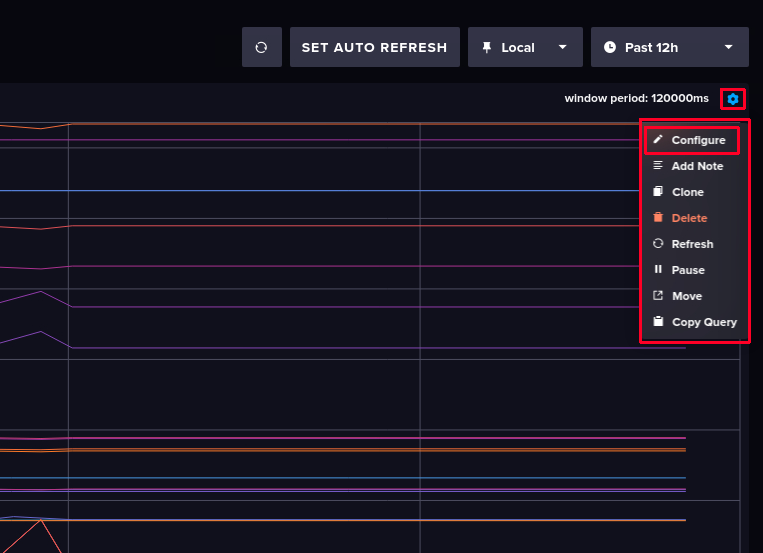
The graphs you see are just cells. Click on the graph you want to export data from, then click on “Configure”:
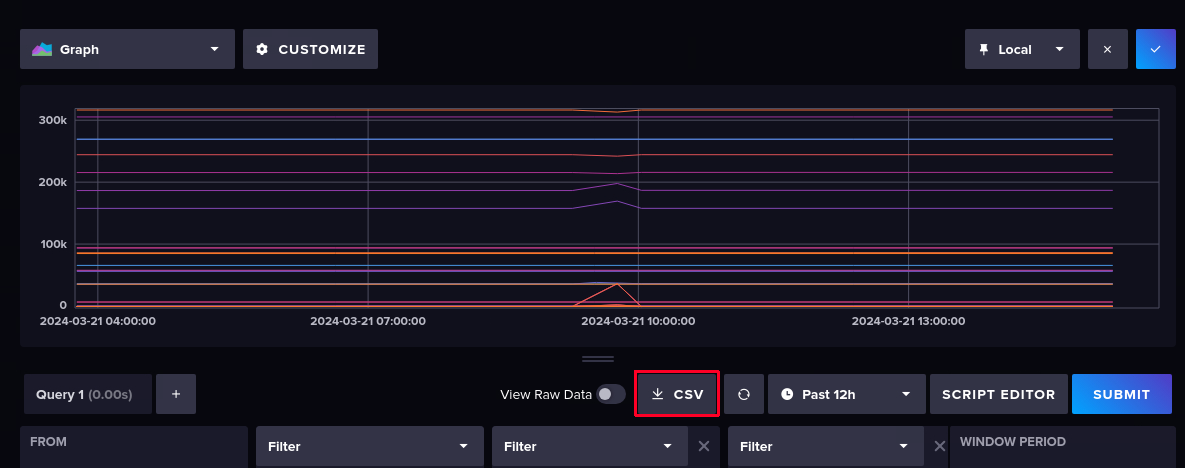
Now you can export the CSV data by clicking on the “CSV” button:
Then select an appropriate folder and file name (or use the proposed name) and click on “Save”.