
Cross-launch Entry in the crosslaunch.properties
Once the SNMP equipment is added to a map, the NE menu in the NEM Network Browser for that equipment provides the entry «Activate WebInterface» as shown in the figure below. The expression «WebInterface» can be replaced by a different expression, depending on what is currently set in the «crosslaunch.properties» file. The argument «%D» is used for naming the application that is started when selecting that context menu entry. For more details, please refer to section Creating new Entries in crosslaunch.properties.
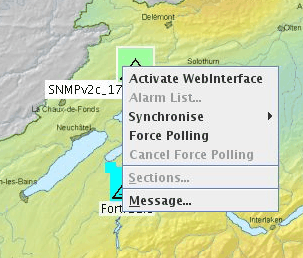
Activate WebInterface
While the equipment is reachable (i.e. its status is «Manageable»), the context menu command «Activate WebInterface» (or similar) opens a browser window or any other suitable software, as specified in «crosslaunch.properties», and connects to the SNMP equipment as shown in the sample below:
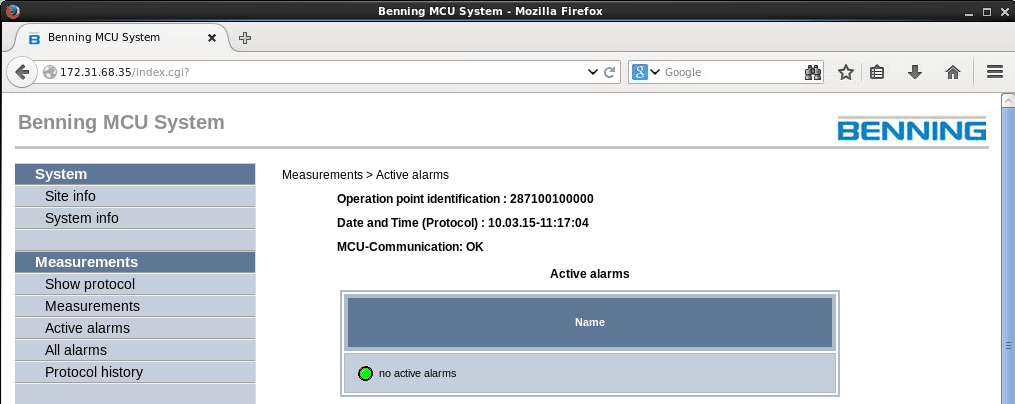
Sample third party SNMP equipment Web Interface