Export of Metrics
You can export metrics to a CSV file by proceeding as follows:
1 Select the ‘Health Monitor’ tab and click on ‘Open Metrics Database’ in the ribbon. This opens the InfluxDB user interface.
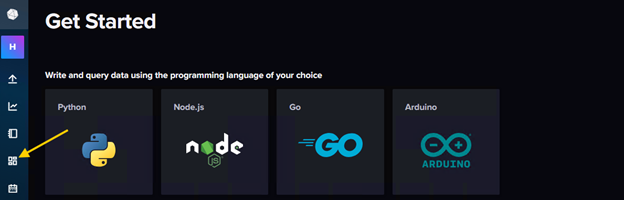
2 Change to ‘Dashboards’ view
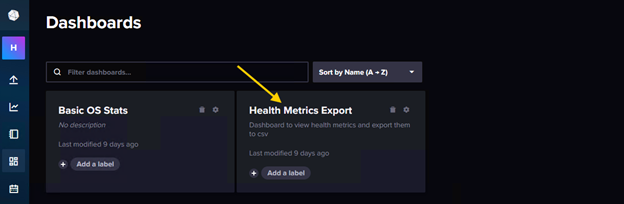
3 Open dashboard ‘Health Metrics Export’
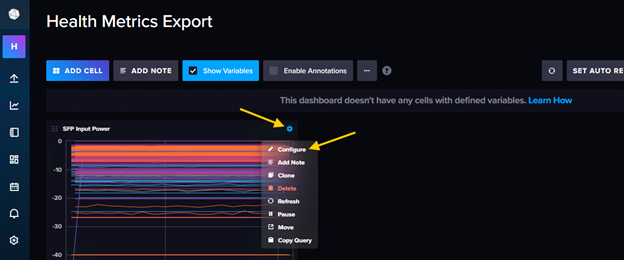
4 For a given metric type, open settings and select ‘Configure’
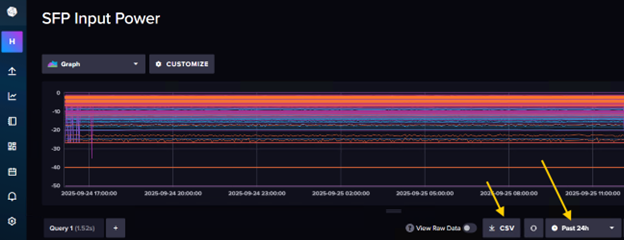
5 Select time range (e.g. “Past 24h”) and download CSV file