
User Preferences
The user can open the online help pages for some of the applications of the Web UI by clicking on the Help icon in the global header while using the application.

User Preferences Icon
When selecting the user preferences, the user can see the username currently logged in and manage user preferences (theme), manage maps or manage tags.
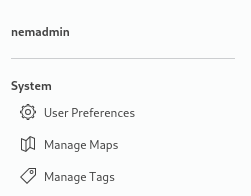
User Preferences options
To close the user preferences view, the user must click on the user preferences icon again or at any other location outside the user preferences view.