
Opening Details Page
The user can access the entity’s details page in multiple ways: by double-clicking particular row in the entity browser; by selecting available action “Open Details” from the ribbon or details panel’s action bar or from the contextual menu.
To close the details page, the user must click “Close” icon button in the top-right of the details page’s header.
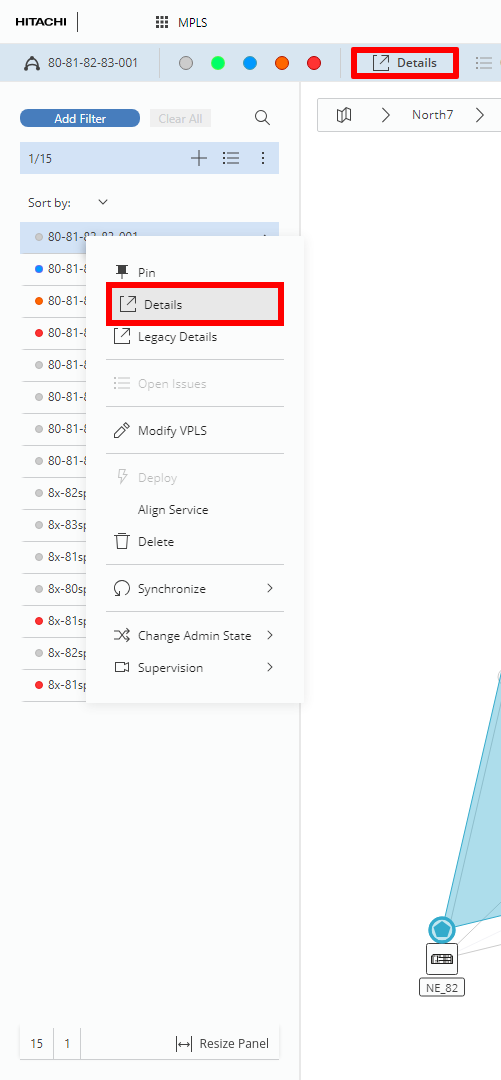
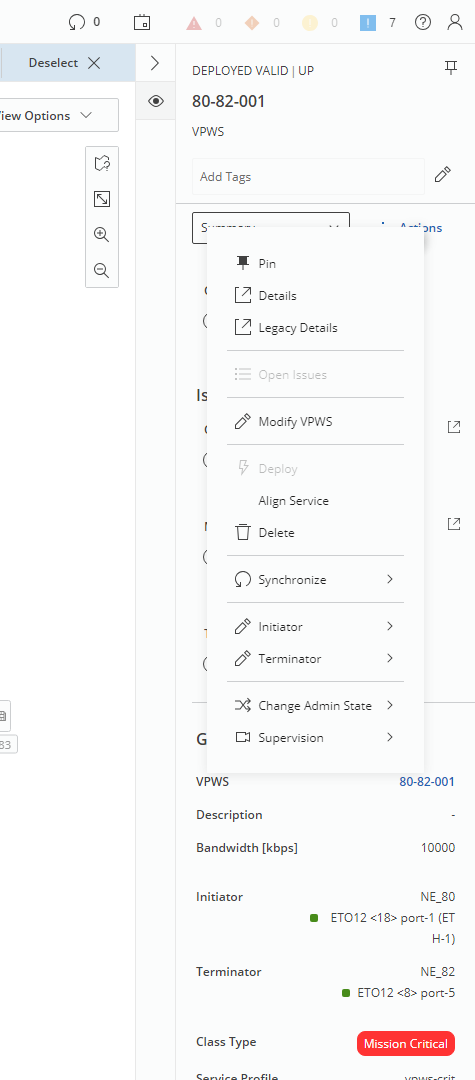
Left: Opening Details Page from entity browser or ribbon; Right: Opening Details Page from right panel