
Enabling Alarm Visualization Mode
To enable the alarm visualization mode, the user must click the alarm summary component in the global header. The activation of this mode is indicated by highlighting the alarm summary in the global header with blue background, appearance change of the ribbon (“Alarm” badge visible) and new content in the entity browser (related to the alarms).
To disable this mode, the user can deselect the alarm summary component or click “Close Mode” in the ribbon.
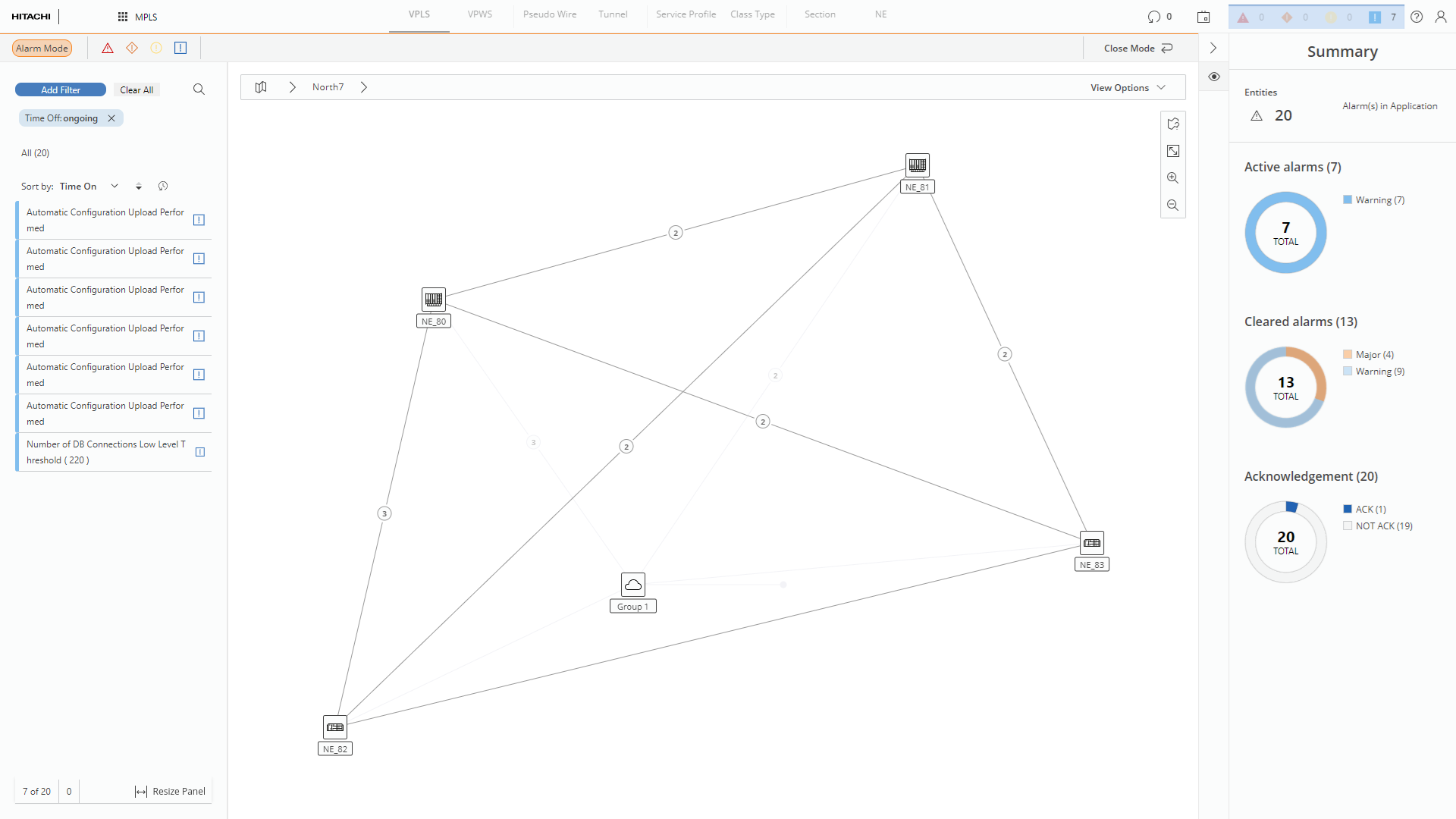
Alarm mode overview
The user can also hover over Alarm Summary and see tooltip with basic details regarding it – presenting distribution of alarms between acknowledged and not acknowledged.
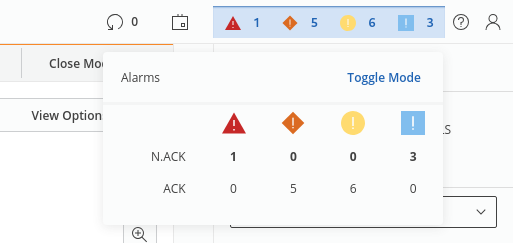
Alarms tooltip