
Performing actions
Actions can be performed from three main places – From the ribbon, from the map (on a selected item), and from the entity browser. Depending on the context various actions are available. By default, when nothing is selected, general actions are available. When something is selected, specific options for selected entity are available.
Moreover, actions are also available in the action bar in the details panel.
The user can also open a list of available actions by opening the context menu in the entity browser – by clicking the right mouse button on the selected row, or, for a selected item, from the three dots menu of the Actions command in the details panel.
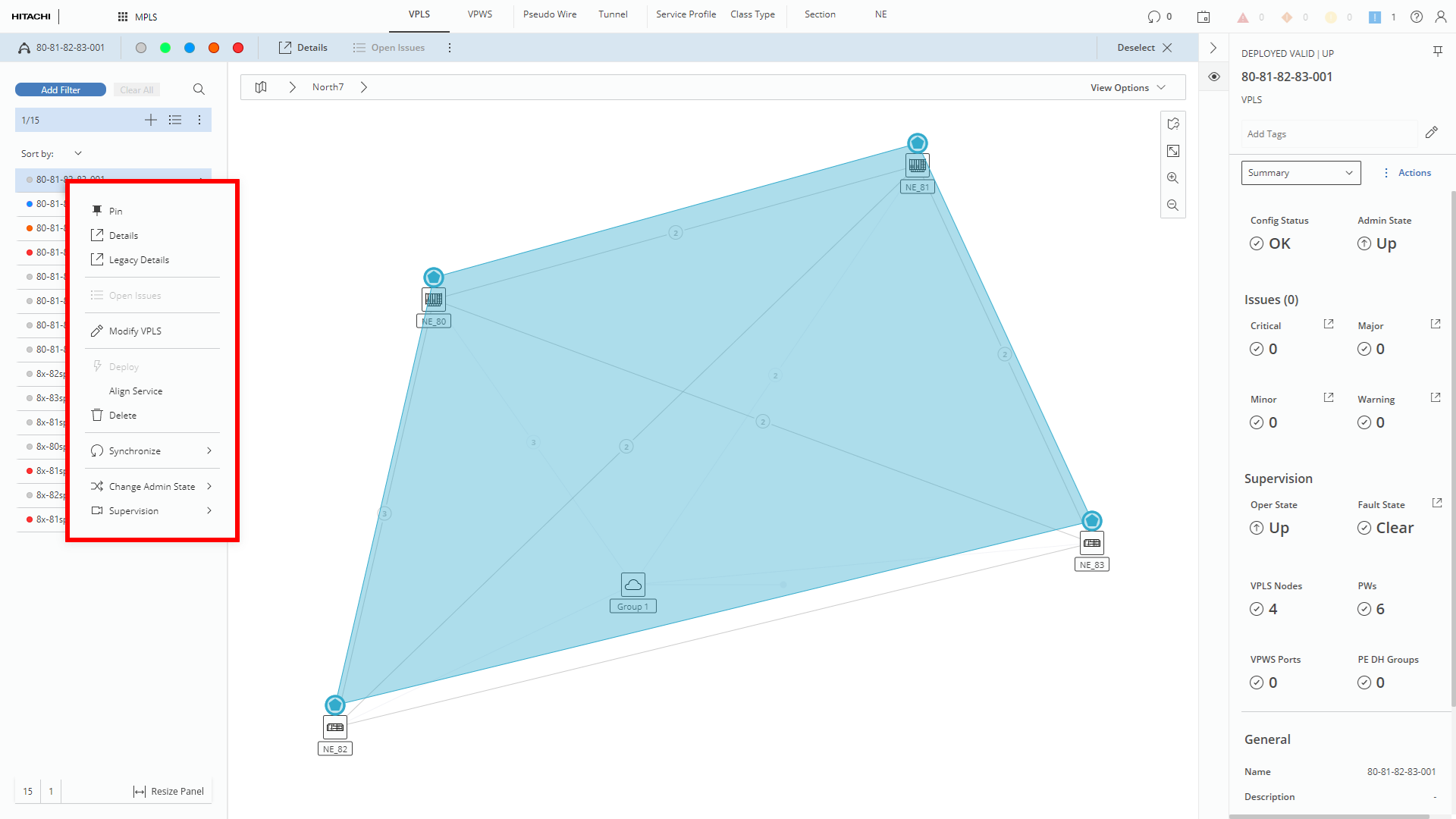
Opening contextual menu in the left entities browser (marked red)
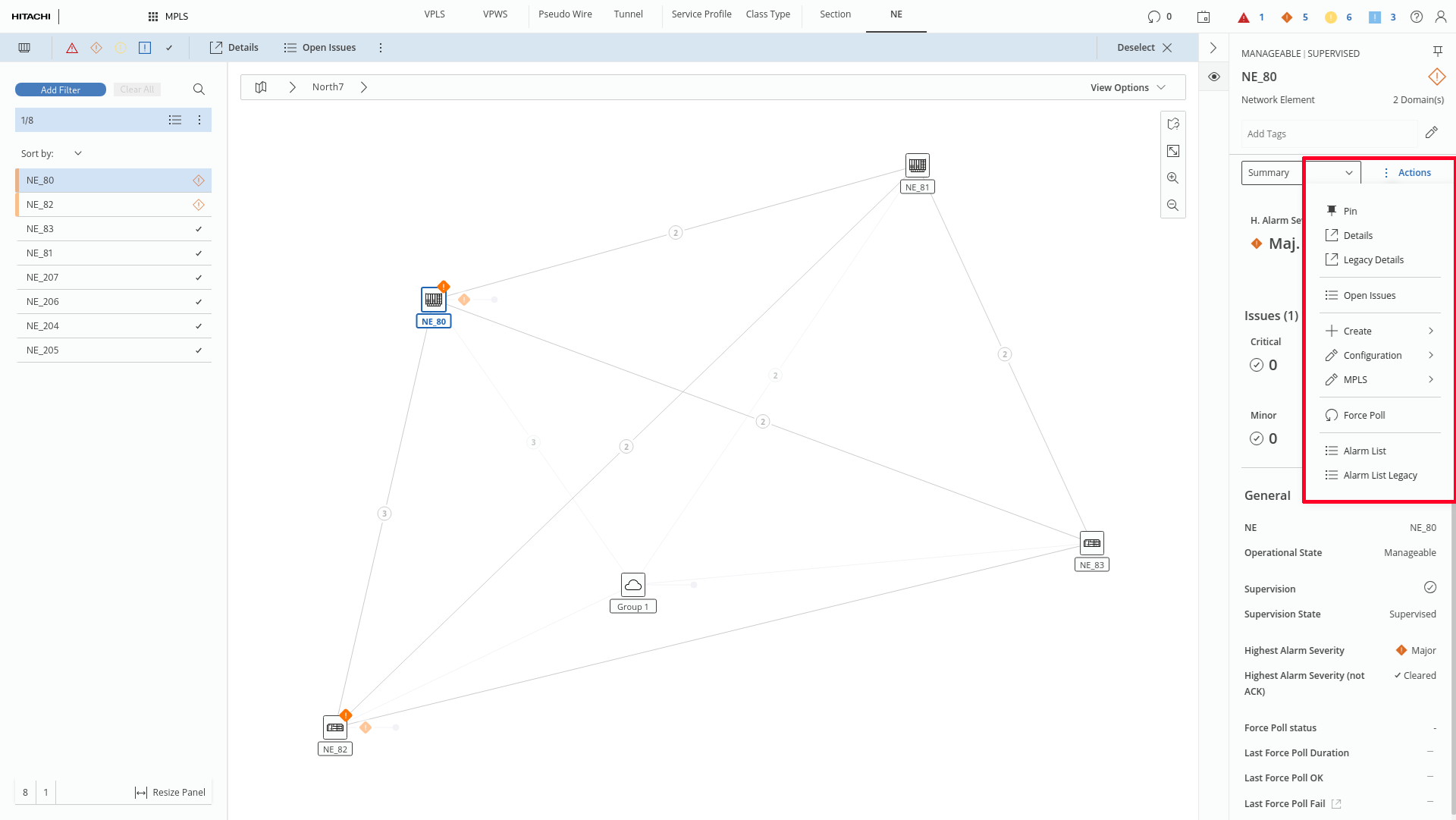
Opening contextual menu in the right panel (marked red)