
Selecting entity
To select entity (therefore see its visualization on the map and its details in the details panel) the user needs to click on the row in the entities table. Selection is highlighted by blue background of the row. To deselect entity the user must click “Deselect” in the ribbon or click it once again.
The user can also select multiple entities of the same type. To add another entity to selection, the user needs to click in the next row while holding “CTRL / Strg” key.
The user can also select multiple entities between certain rows. To select all rows between particular two rows, the user needs to select the first one and select the last one with the “Shift” key.
The user can also select physical objects from the map. To do this, the user just needs to select a section or network element representation on the map.
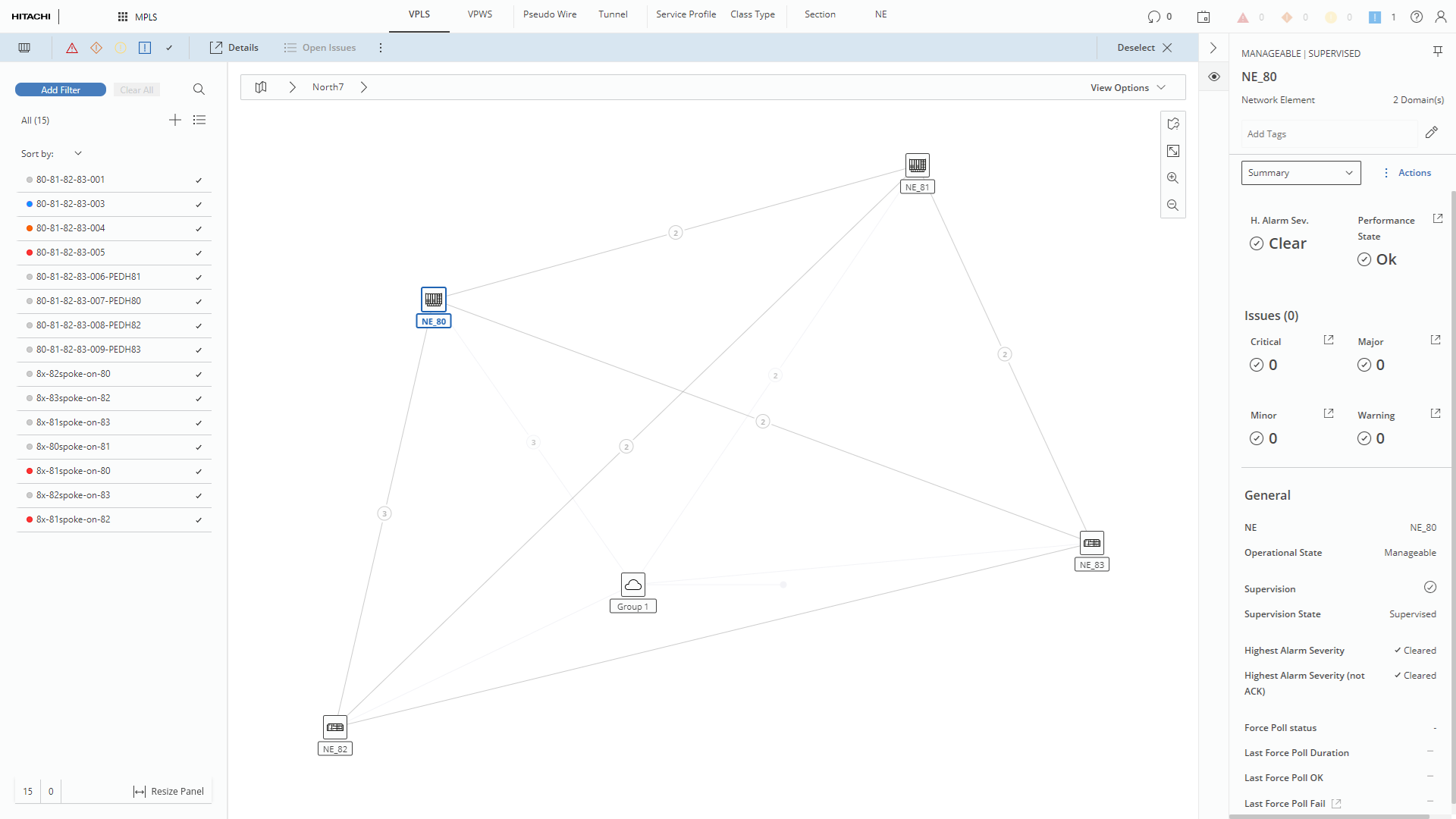
Selecting NE directly from the map