
Configure Partner Server Dialog
Clicking on the <Configure Partner Server…> button on the Main Window of the RAT will open its <Configure Partner Server> dialog.
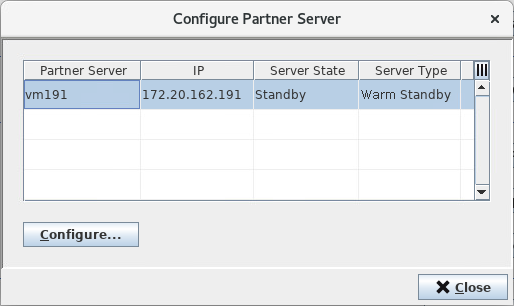
The dialog allows launching a new instance of the Remote Admin Tool for a partner server of the server to which the RAT is currently connected. Selecting a server in the shown list and clicking on the <Configure…> button will open a login dialog for the selected server.
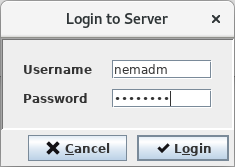
Providing the correct credentials and clicking on the <Login> button will launch a separate instance of the Remote Admin Tool for the selected server. The primary Remote Admin Tool stays open and its <Configure Partner Server> dialog closes automatically.