Create New Backup
Clicking on the <Create New Backup> button on the <Backup Database> dialog will open the <Create Database Backup> dialog. It is aimed to do a manual database backup on the server to which the RAT is connected.
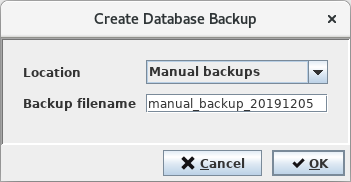
As a default, manual database backups got to the “Manual backups” location. Other available locations can be chosen as well except for the “Scheduled backups” location. However, it is recommended to use the “Manual backups” location for manual backups. Furthermore, a filename must be provided. Clicking on the <OK> button will start the backup operation.
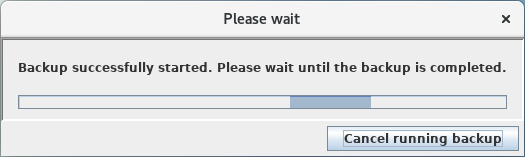
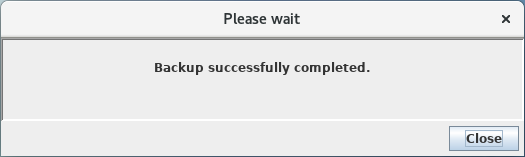
A successful backup will be confirmed upon completion.