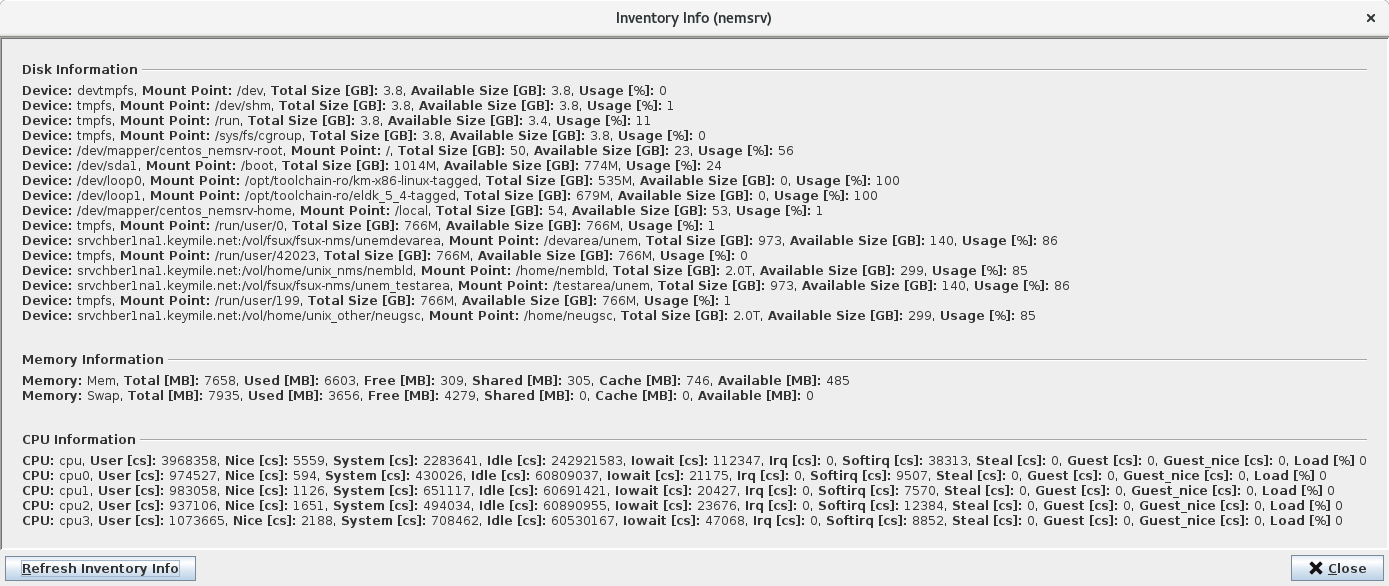
Inventory Info Dialog
Clicking on the <Inventory Information> button on the Main Window of the RAT will open its <Inventory Info> dialog. The dialog shows the most important information about the server’s system such as disk, memory and CPU information. A <Refresh Inventory Info> button allows the user to update the displayed inventory information on the dialog.