
Restart of groups of services or individual services
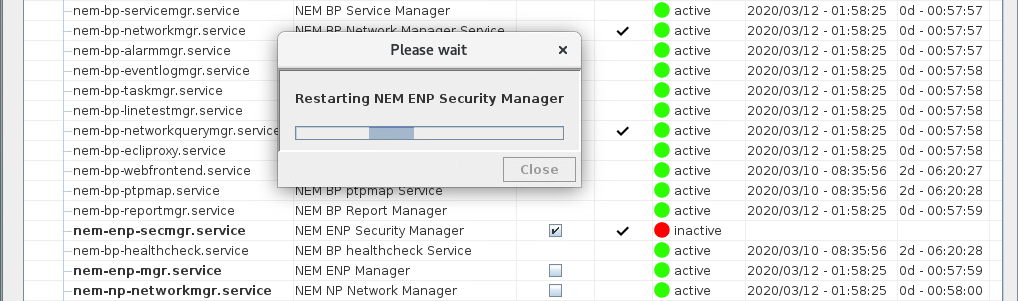
On the <Services Management> dialog the operator can restart groups of services or individual services. Groups of services or individual services that can be restarted are printed in bold in the <Name> column and can be selected (ticked) for restart in the <Select for restart> column. Once ticked, all services that depend on a ticked group of services or ticked individual service will be marked for restart in the <Restart> column. Once the user has done the selection, they can press the <Restart selected service(s)> button which will trigger the actual restart operation.

Please note:
For the operator a restart of a service will be noticeable through its new start time and a new runtime (after having pressed the <Refresh Services Info> button).
Restarting “All FOXMAN-UN Services” will disconnect the RAT from the server and the tool will be closed. A corresponding warning message will be displayed prior to execution of the command that needs to be confirmed by the operator. After the server’s Base Services have restarted, the user can connect again to the server with the RAT if desired.