
NEM Login Window
The NEM Login Window of any FOXMAN-UN client offers login to all hosts as added in the NEM Host Manager of the respective client. Servers available in the hosts combo box are amended by the term “(Main)” if the corresponding server is of type “Main” or by the term “(Standby)” if the corresponding server is of type “Cold Standby” or “Warm Standby”. Servers of type “Standard” will not be labeled specially.
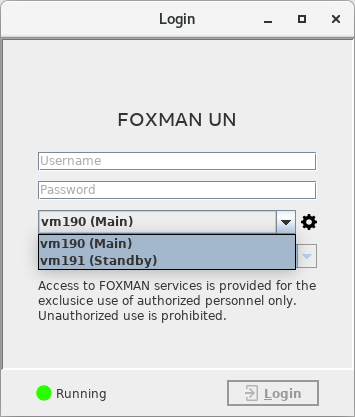
The server state with a corresponding color icon is shown in the lower left corner of the Login Window. Log in to a selected server is only possible if its state equals to “Running”.
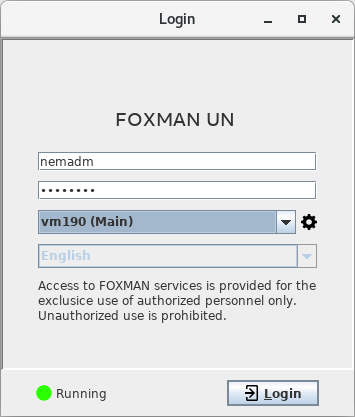
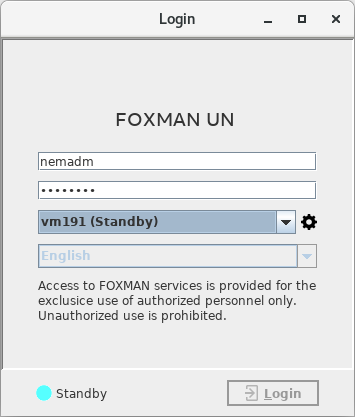
A click on the gearwheel icon  will open the Host Manager.
will open the Host Manager.