
Master Key Refresh
A master key (MK) refresh needs to be done on the ESM - Segments tab.
The only requirement associated with the operation is that a Crypto Segment must have 2 and only 2 Crypto Configurations associated.
For a MK refresh, you open the context menu of the selected CS and select “Refresh Masterkey”.
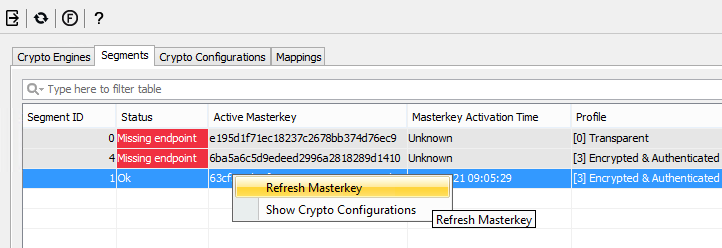
Context Menu for Master Key Refresh
If everything goes smoothly you will see a short message box saying that the refreshing operation was successful.
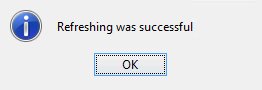
Confirmation: Master Key Refresh Success