
Deploying Configuration to the Network
1 Click “Apply” or “OK” button to deploy the configuration to the network. Configuration changes are made and automatically downloaded to the NEs.

Please note:
The main window may show the indication “Pending Changes”. This represents the number of configuration confirmation changes the FOXMAN-UN is waiting for. The FOXMAN-UN NP will not allow any change until all changes have been confirmed.

2 When the Status becomes “Valid” the Circuit with its Path as shown in Figure Circuit Working Path is created. The network can now transport the signal end-to-end.
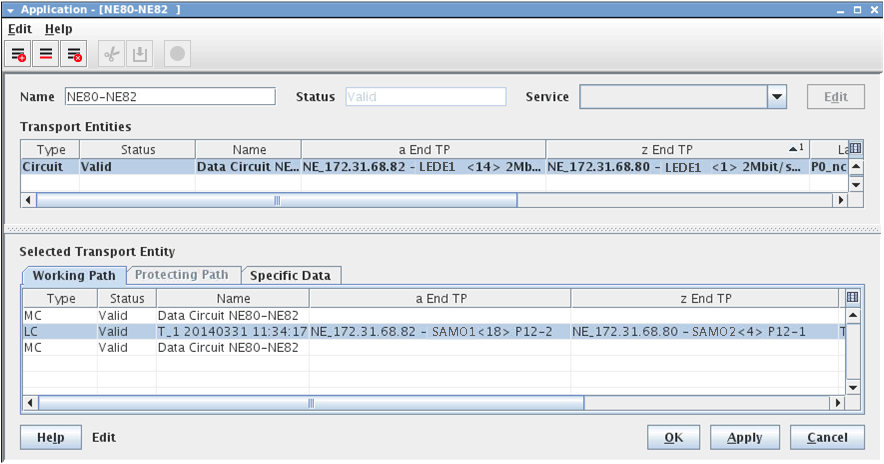
Valid Circuit with Working Path