
Basic configuration
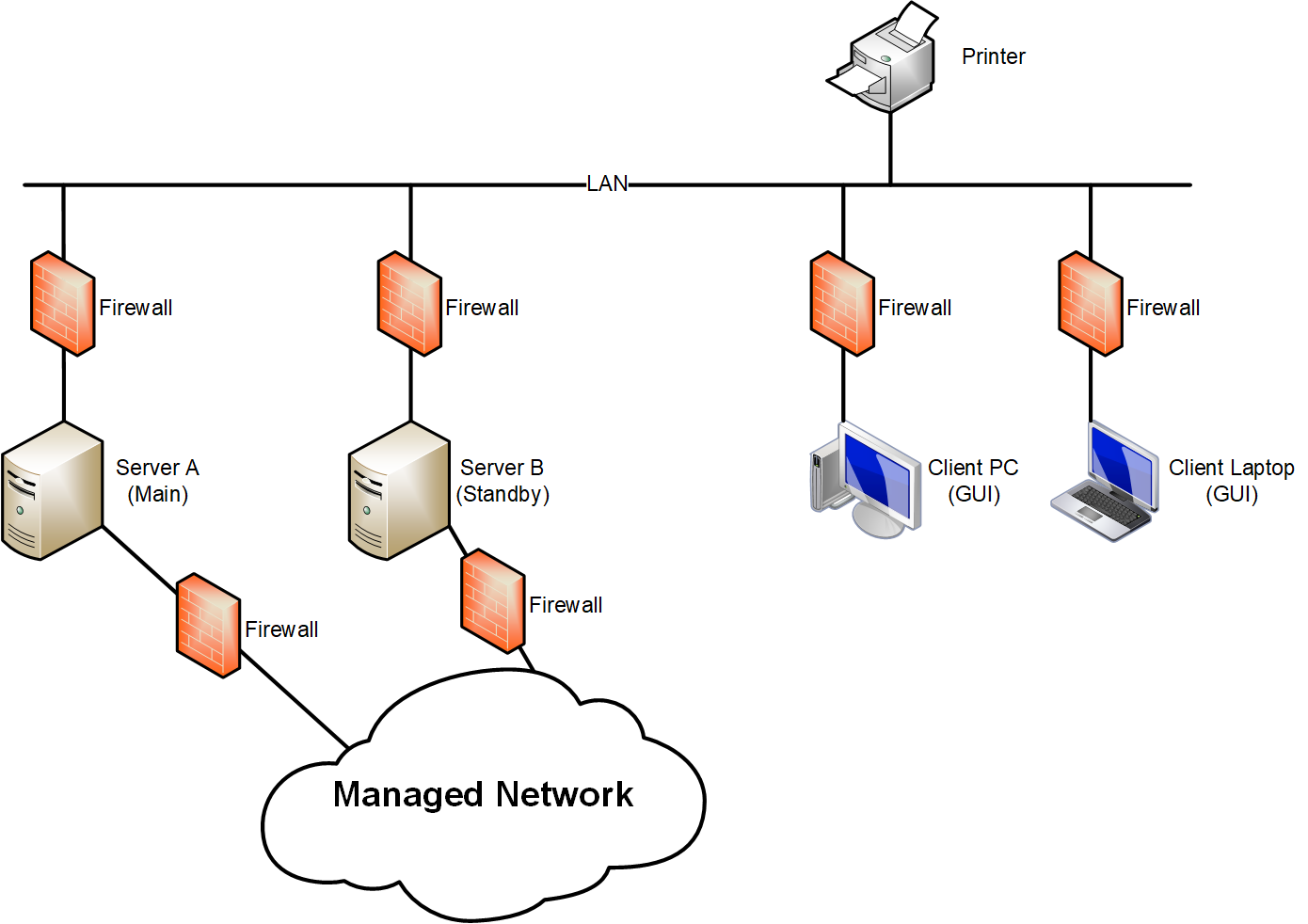
FOXMAN-UN Deployment: Basic Configuration
The above example shows a configuration that has a single server (Server A) running the FOXMAN-UN core with the database. A second server (Server B) is used as standby core machine. One or several Windows® PCs running the FOXMAN-UN client can be connected to the LAN and provide the GUI (Graphical User Interface) functions. The GUI can be also operated on the FOXMAN-UN core machine, but this is not recommended.
Additional Windows® PCs can be added if more UIs are required. The FOXMAN-UN Administrator can define access rights to each operator to allow access only to their allocated part of the network.