
NEM Remote Admin Tool
A new Graphical User Interface has been developed that allows for administration and configuration of the Main/Standby Solution. The tool can be started either out of the NEM Host Manager or from the NEM Desktop. It allows connection to either FOXMAN-UN server independent of it type (Standard, Main or Standby).
On its Main Window the Remote Admin Tool shows basic information of the connected server such as server name, server IP, server type, server state, database backup state and possible partner server(s).
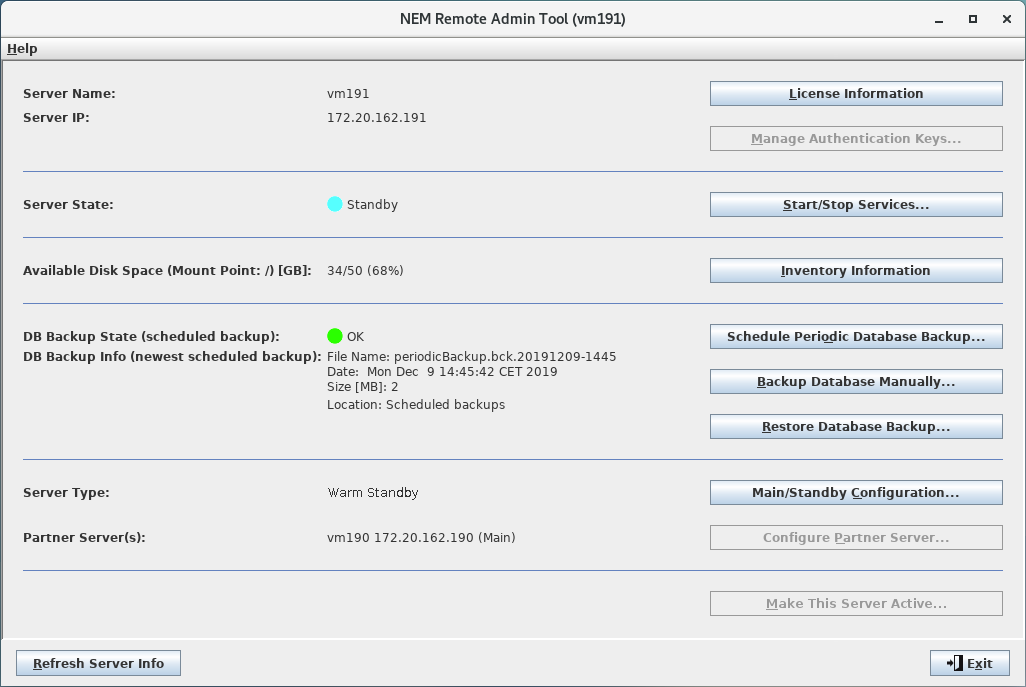
Remote Admin Tool connected to a Standby Server
The tool offers further dialogs to interact with the connected server. They facilitate
• retrieval of detailed licensing information
• management of authentication keys
• starting and stopping of server services
• retrieval of detailed inventory information
• scheduling of periodic FOXMAN-UN database backups
• manual backup of the FOXMAN-UN database
• manual restoration of a FOXMAN-UN database
• configuration of the Main/Standby Solution
• startup of the Remote Admin Tool for another server
• activation of a server (easy switchover)
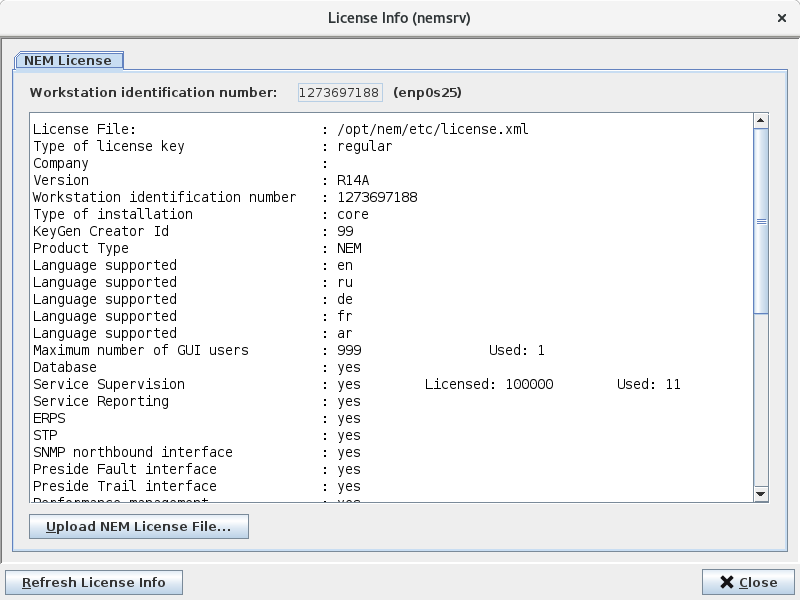
<License Info> dialog
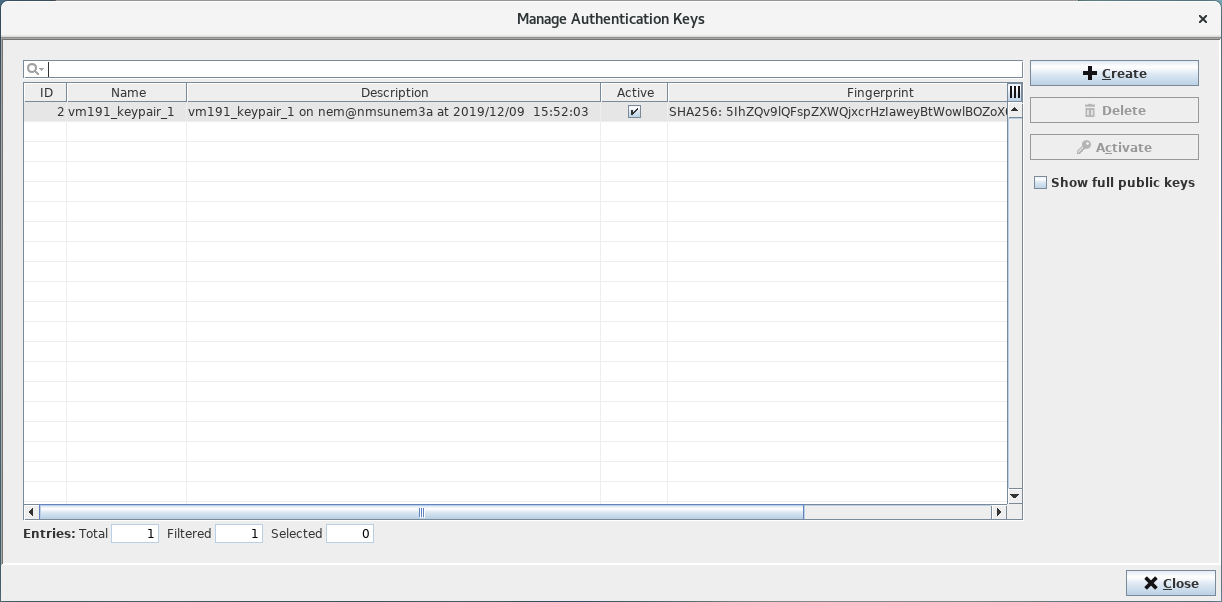
<Manage Authentication Keys> dialog
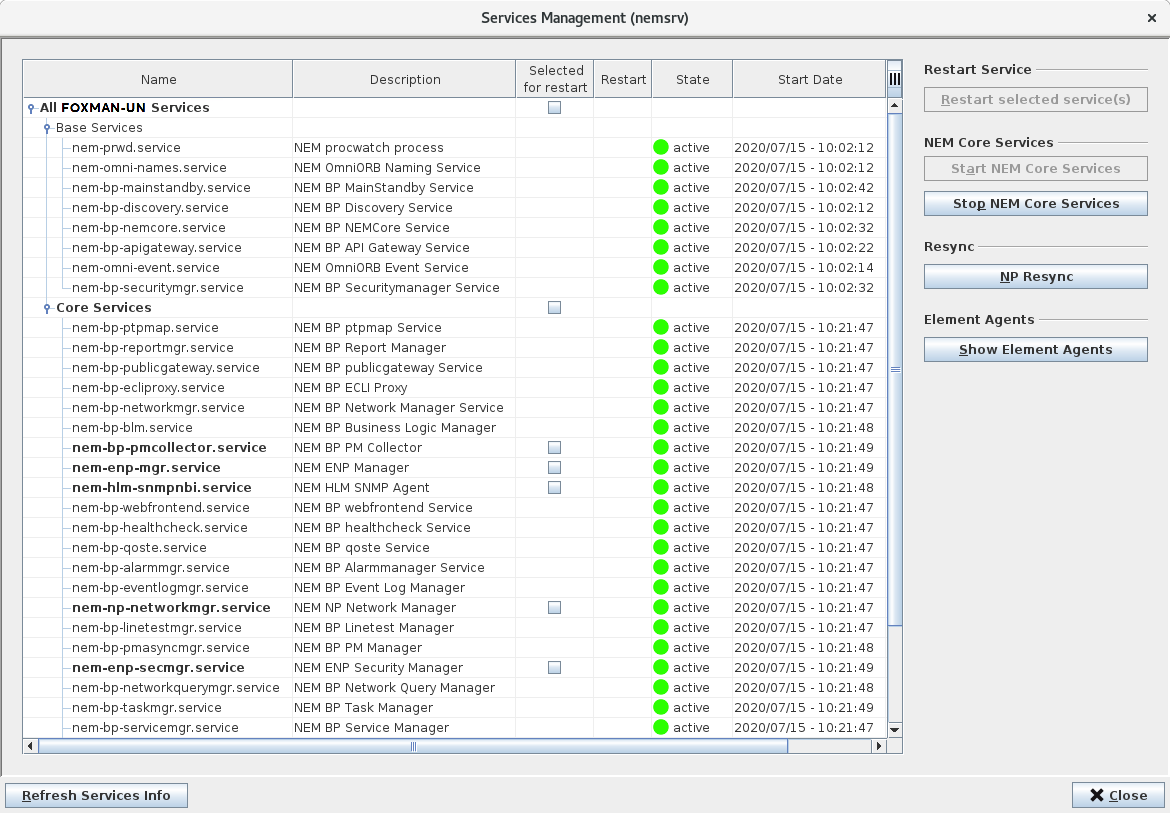
<Services Management> dialog
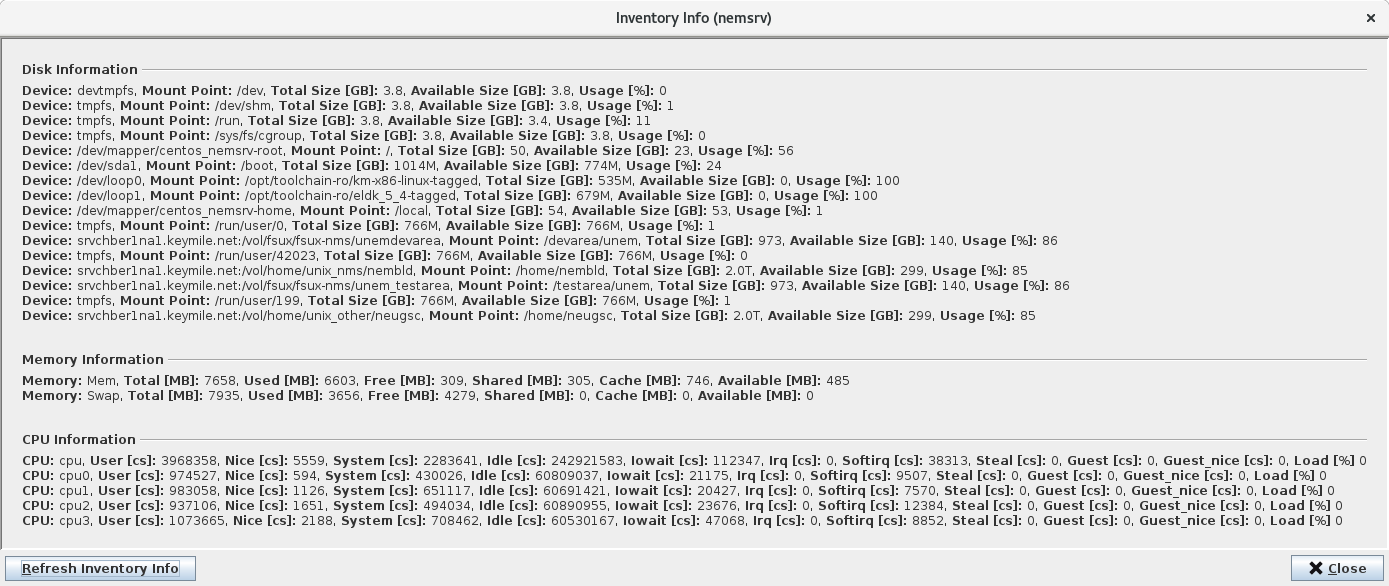
<Inventory Info> dialog
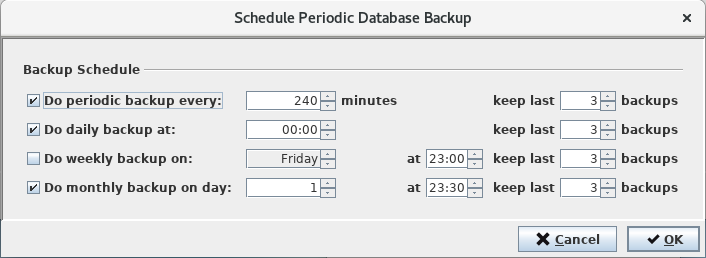
<Schedule Periodic Database Backup> dialog
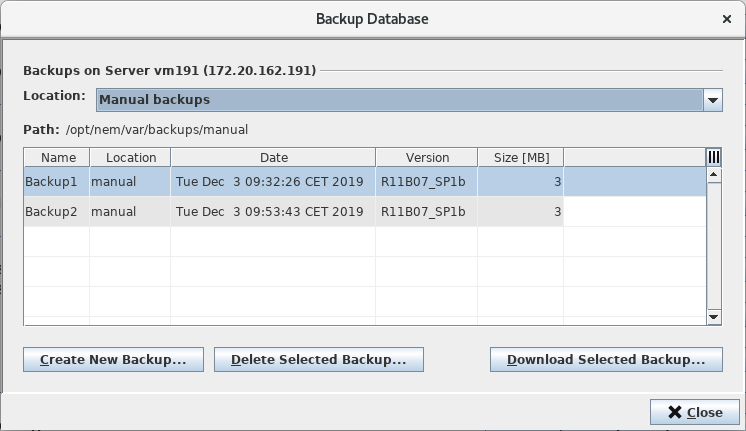
<Backup database> dialog
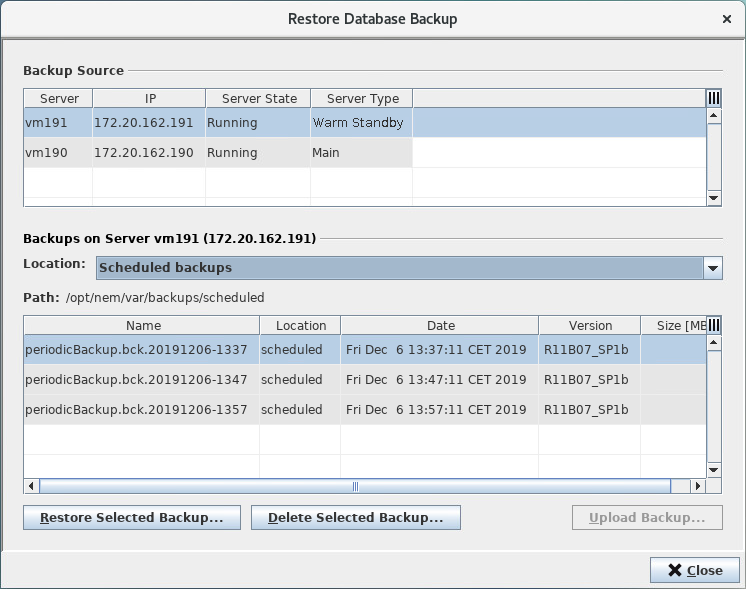
<Restore Database Backup> dialog
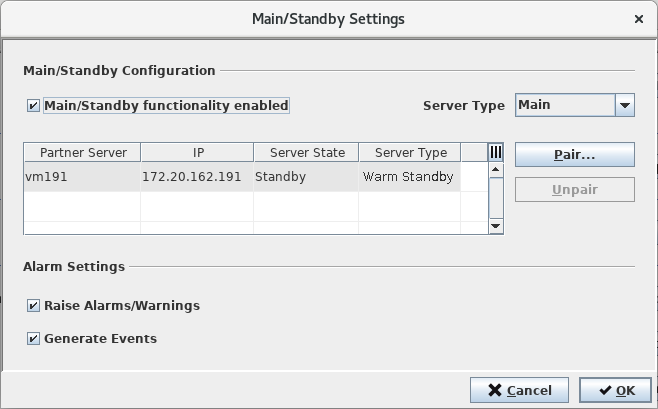
<Main/Standby Settings> dialog
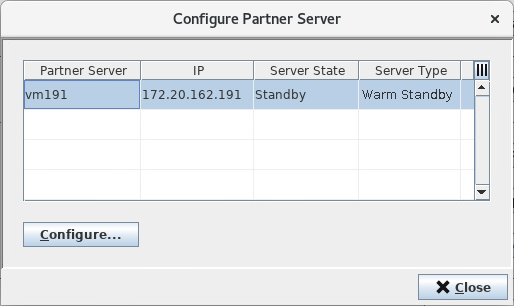
<Configure Partner Server> dialog
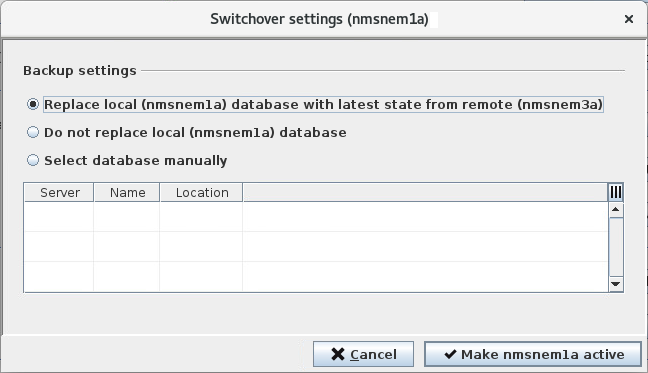
<Switchover settings> dialog